Skip to content
Free QR design tool

Free QR Color Generator and Customizer

Create a free custom QR code for text or a URL. Change its pattern, frame, eye style, foreground and background colors, then add a center logo or scan-ready sticker.

1

Add your content

Enter the exact text or destination URL the QR should contain.

2

Customize the QR code

Changes update the preview immediately.

Ready to create your custom QR code?Always scan-test the final file before publishing.
Practical guide

About the Colored QR Code Generator

This tool turns custom QR code designs into a scannable route to a styled QR code using your chosen foreground, background, shapes, logo and pattern. Create a branded QR for packaging using the brand color and a small center logo.

Before generating: Enter the destination first, then choose QR colors while keeping strong contrast between the pattern and background. Return to a dark-on-light palette, simplify module shapes and test at the final physical size.

A practical example

Where this QR code is useful

Create a branded QR for packaging using the brand color and a small center logo.

Good fit
Brand campaigns, packaging, displays and printable assets.
Important limitation
Heavy decoration, weak contrast and oversized logos can reduce scanning reliability.
If it does not work
Return to a dark-on-light palette, simplify module shapes and test at the final physical size.
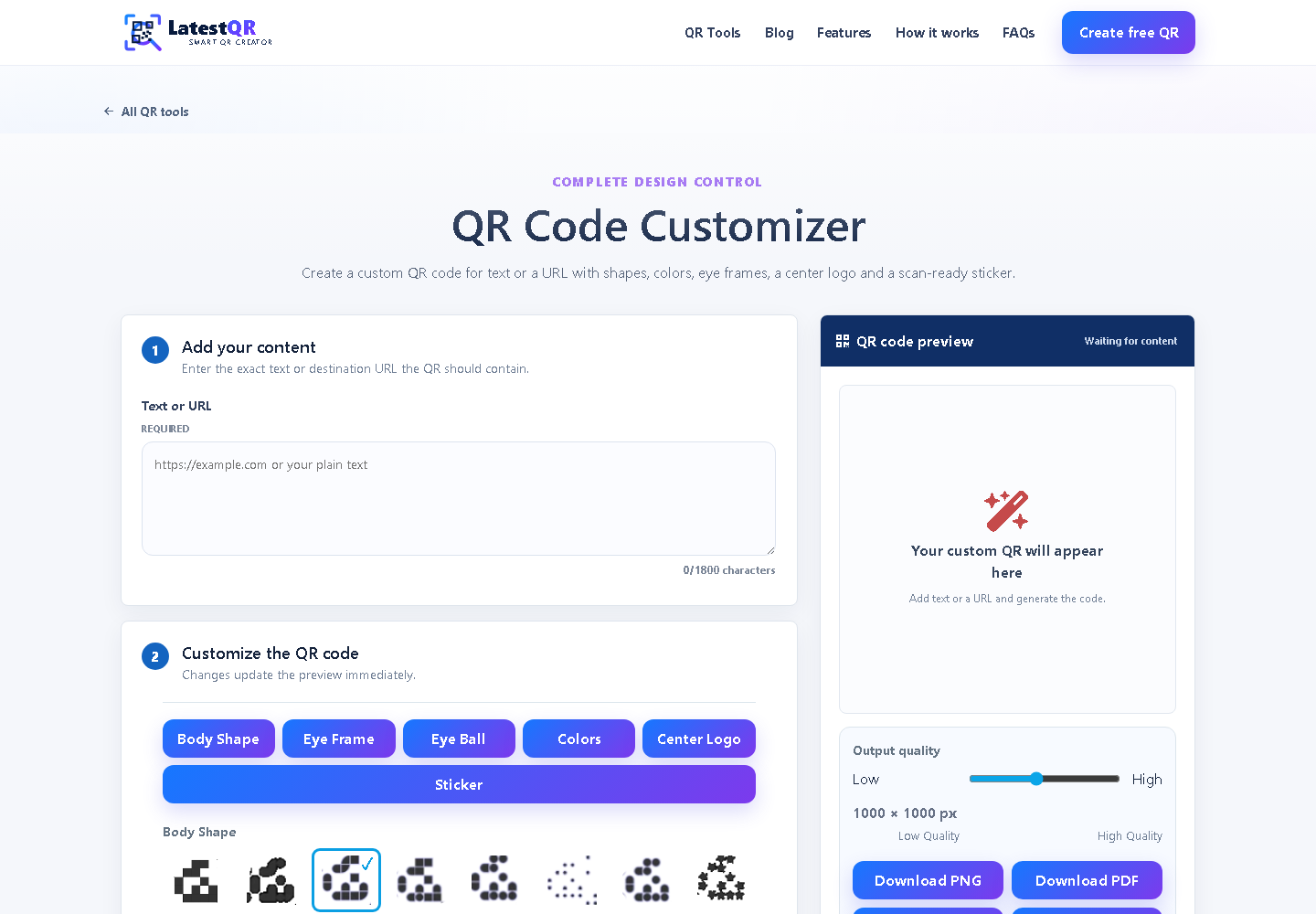
Real screenshot of the LatestQR QR Customizer
Real tool screenshotCaptured from the working LatestQR QR Customizer interface.

Publish a reliable Colored QR Code Generator

  1. Prepare the content. Enter the destination first, then choose QR colors while keeping strong contrast between the pattern and background.
  2. Match the setting. This format works especially well for brand campaigns, packaging, displays and printable assets.
  3. Respect the limitation. Heavy decoration, weak contrast and oversized logos can reduce scanning reliability.
  4. Verify the result. Return to a dark-on-light palette, simplify module shapes and test at the final physical size.

Frequently Asked Questions

What should I check before creating this code?

Enter the destination first, then choose QR colors while keeping strong contrast between the pattern and background. Then confirm that it opens a styled QR code using your chosen foreground, background, shapes, logo and pattern exactly as a scanner will see it.

Where is this type of QR code most useful?

Brand campaigns, packaging, displays and printable assets. The printed label should tell people what will happen after they scan.

What is the main limitation?

Heavy decoration, weak contrast and oversized logos can reduce scanning reliability.

What should I do if it does not scan?

Return to a dark-on-light palette, simplify module shapes and test at the final physical size.