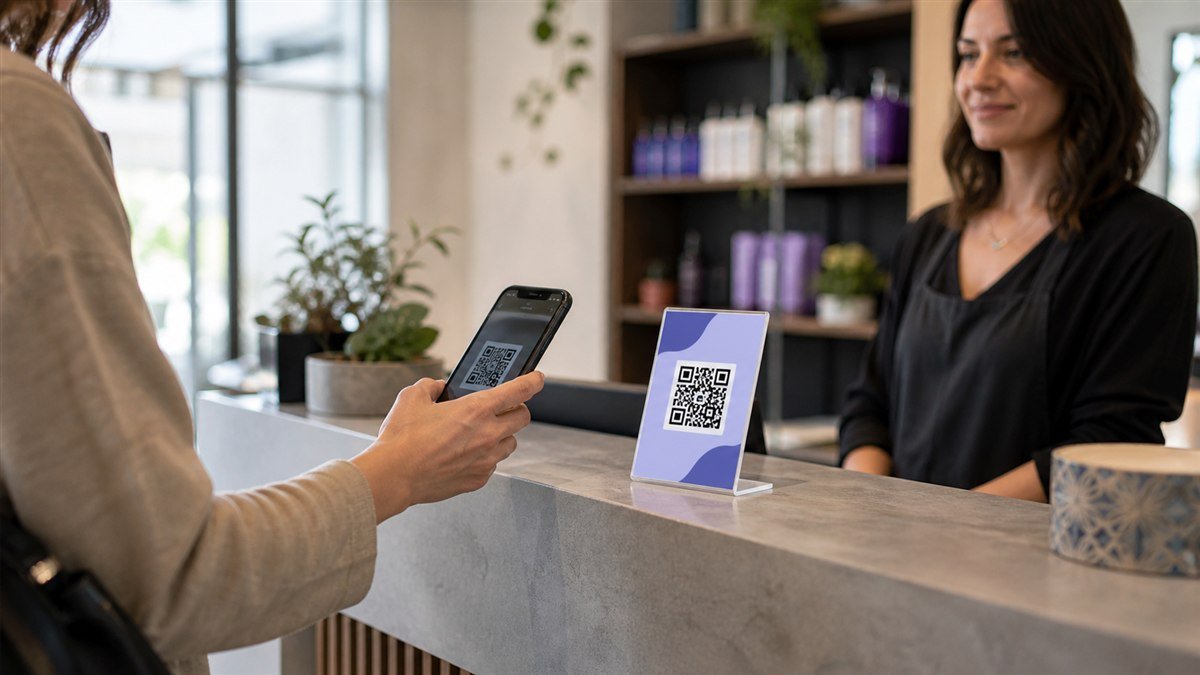
Appointment Booking QR Code: A Practical Setup and Testing Guide
Create an appointment booking QR code that opens the correct service, works on mobile and gives customers a clear confirmation and fallback route.
Read guideClear, practical guides to help you create QR experiences people can trust and enjoy.
Create an appointment booking QR code that opens the correct service, works on mobile and gives customers a clear confirmation and fallback route.
Read guide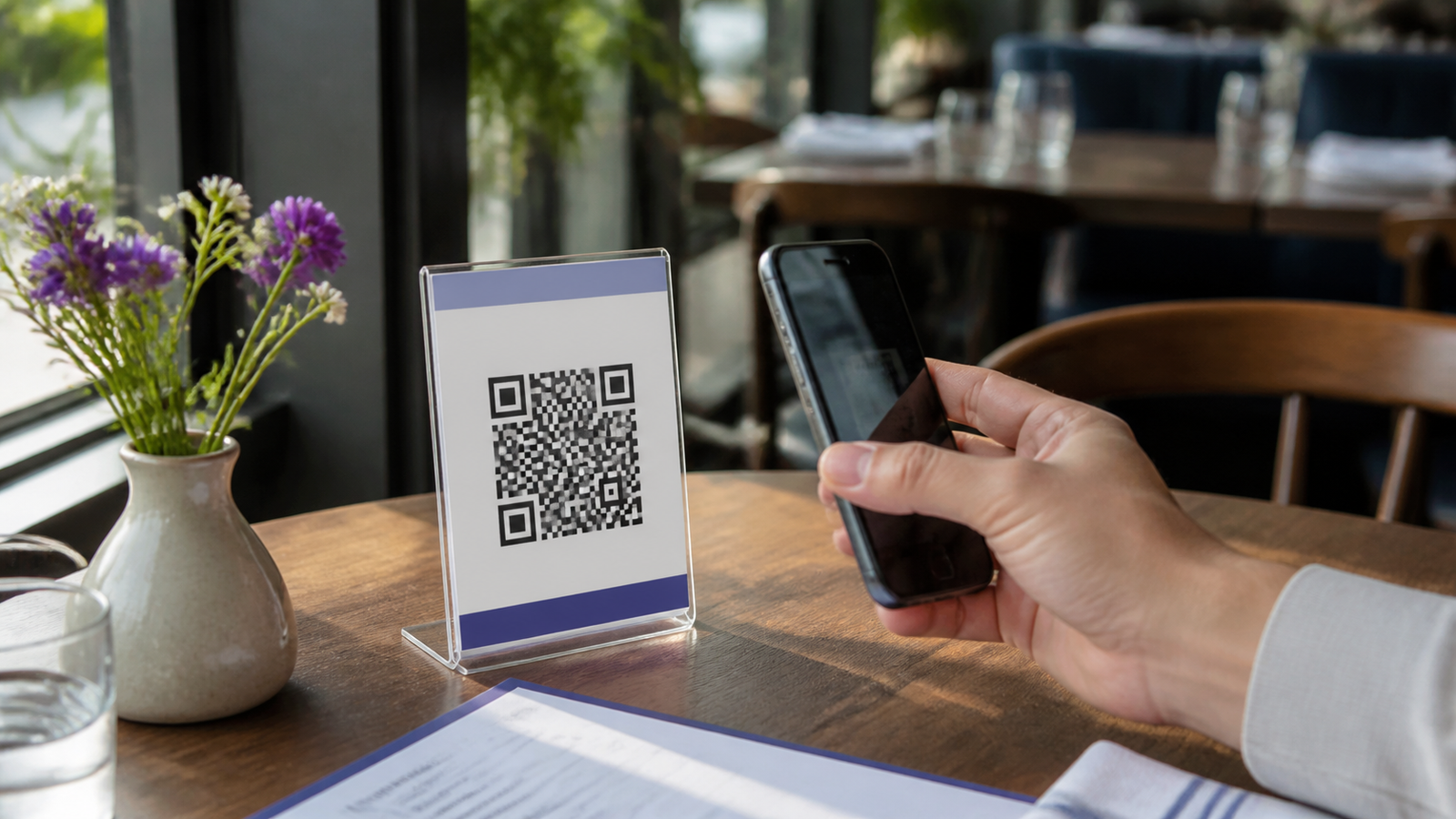
Choose and test a restaurant QR code holder that stays readable on real tables, avoids glare and gives every guest a comfortable menu option.
Read guide
Plan a calm event entrance with a clear check-in QR code, sensible placement, privacy-aware forms, real-device testing and a reliable backup process.
Read guide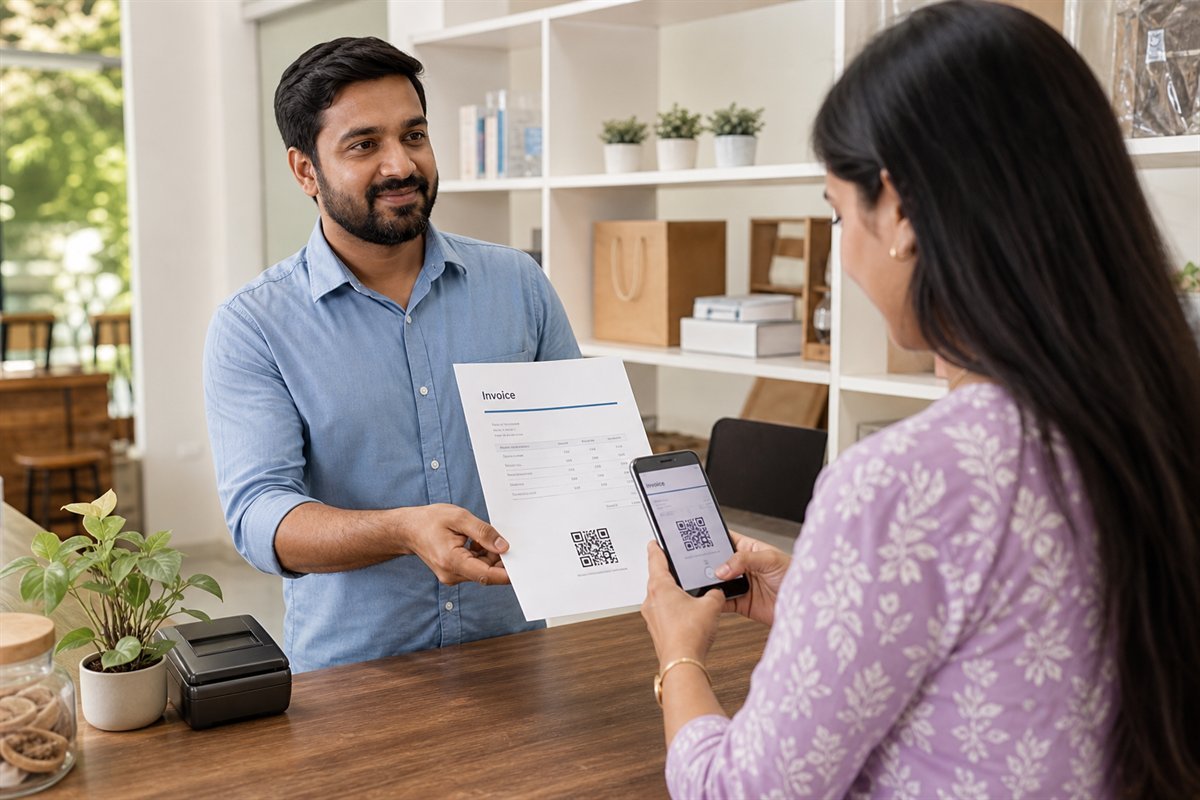
Use QR codes on invoices and receipts to offer convenient payments, digital copies and helpful support without making the document confusing.
Read guide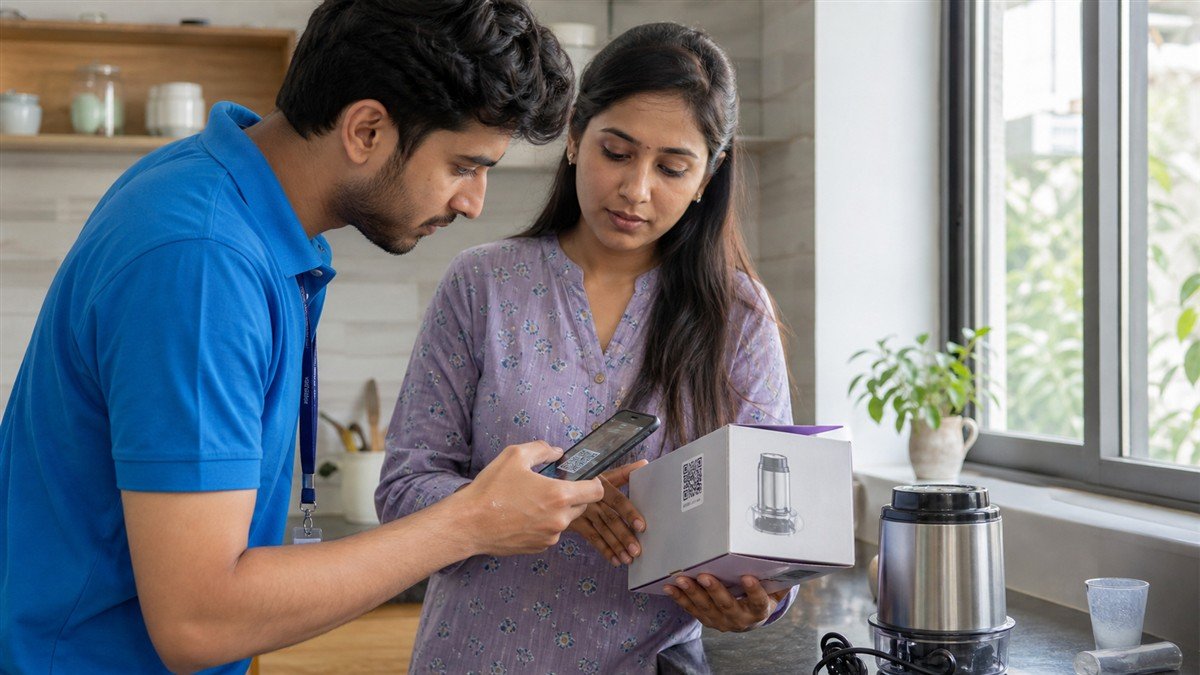
Use a QR code to connect product packaging with a mobile-friendly manual, setup help, safety information and accessible customer support.
Read guide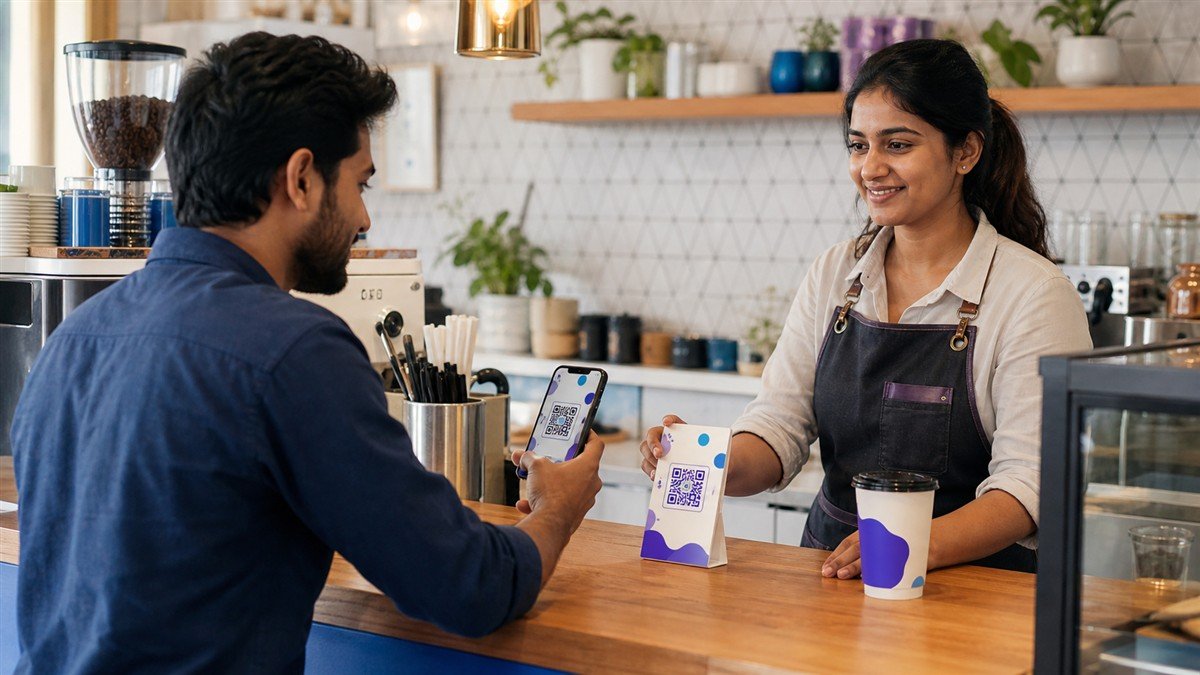
Create a Google Review QR code with a direct review link, a clear invitation, thoughtful placement and a simple testing routine for your business.
Read guide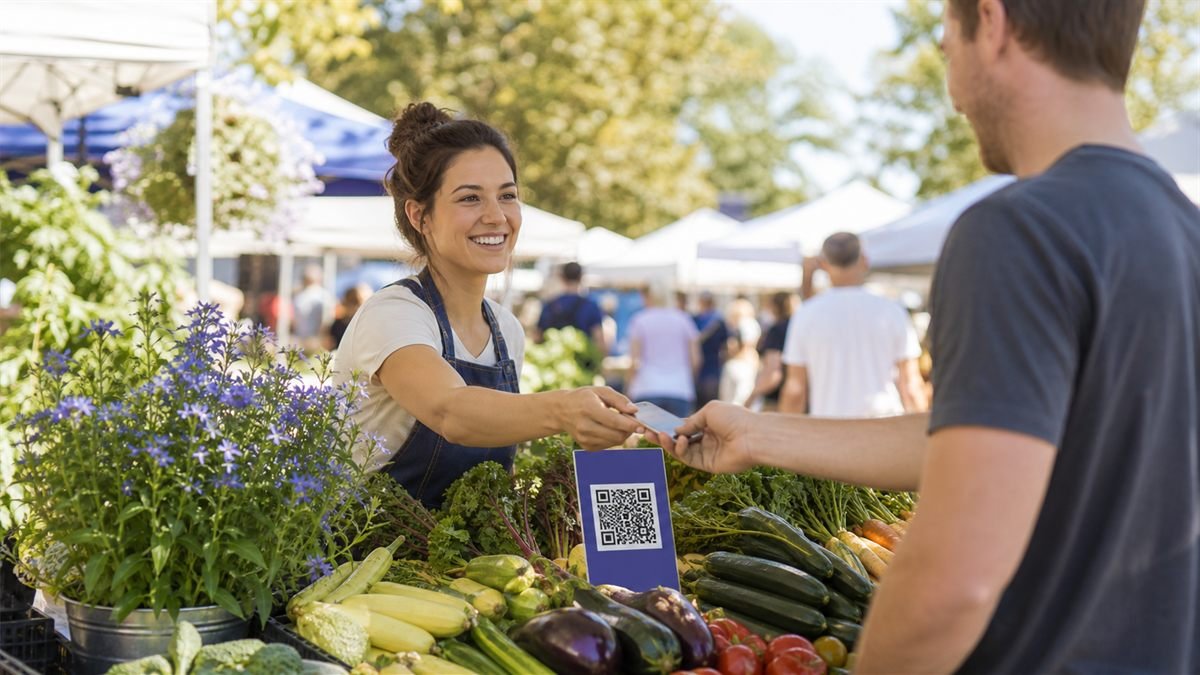
Use clear QR signs for payments, product stories and follow-up orders in a busy market without slowing the queue or confusing shoppers.
Read guide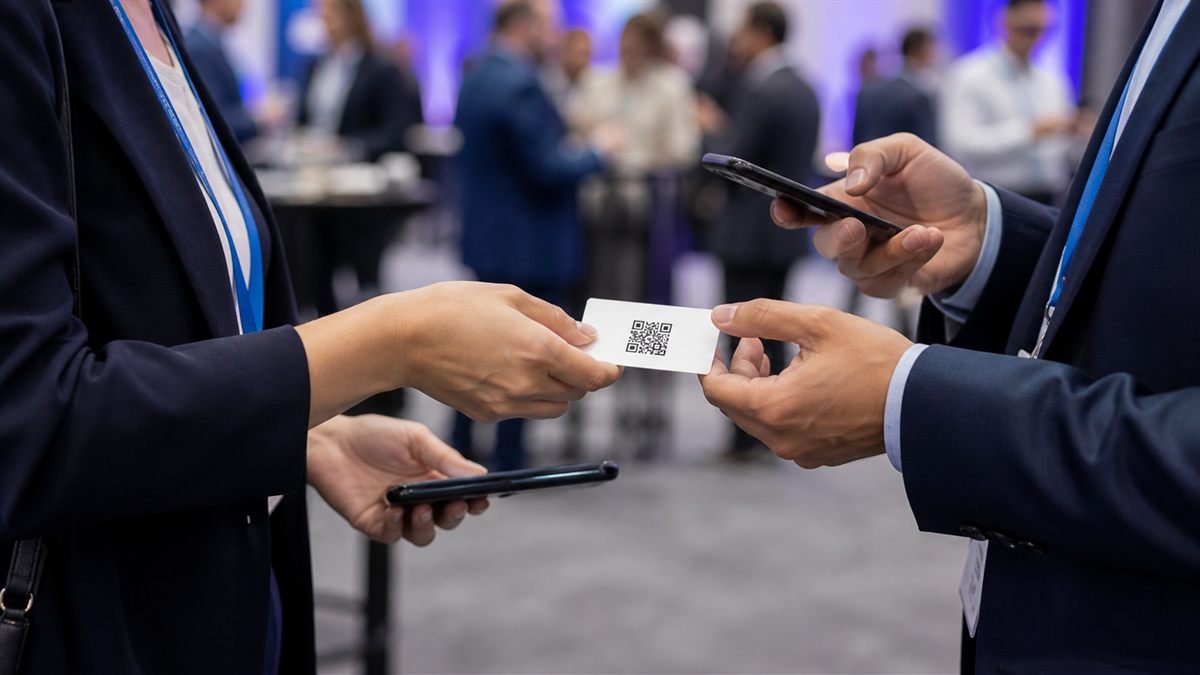
Let people save your professional contact details quickly while keeping consent, accuracy and a human introduction at the centre.
Read guide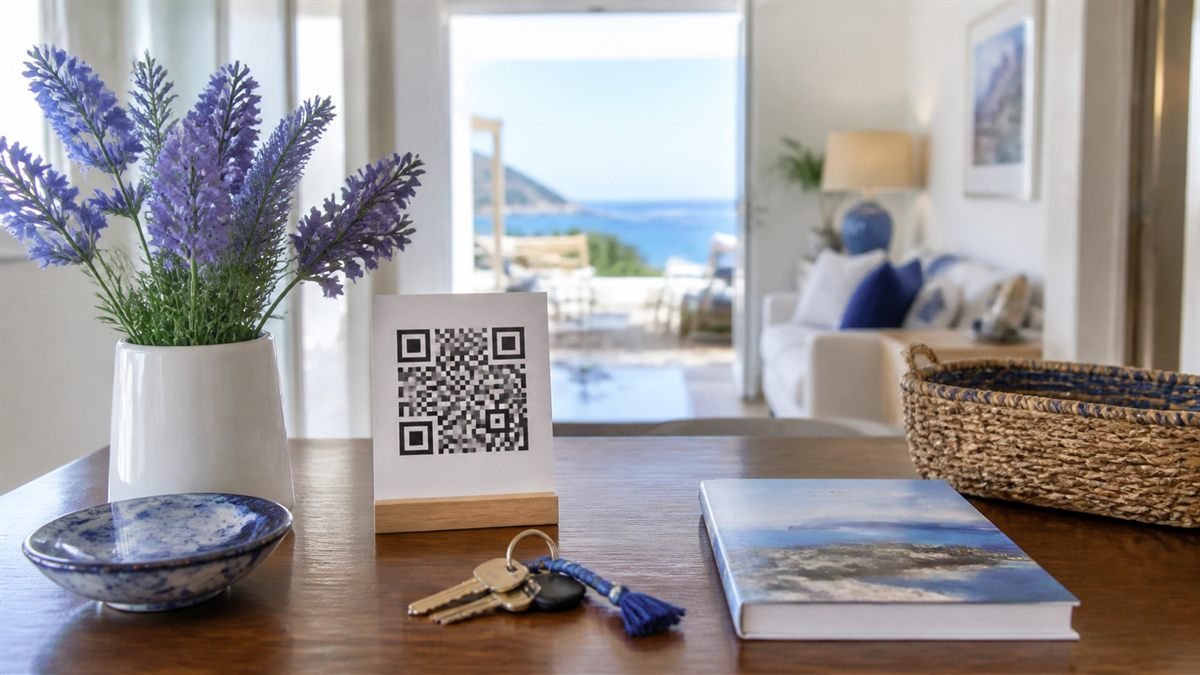
Organise arrival notes, appliance help and local suggestions for rental guests while keeping safety information and support easy to reach.
Read guide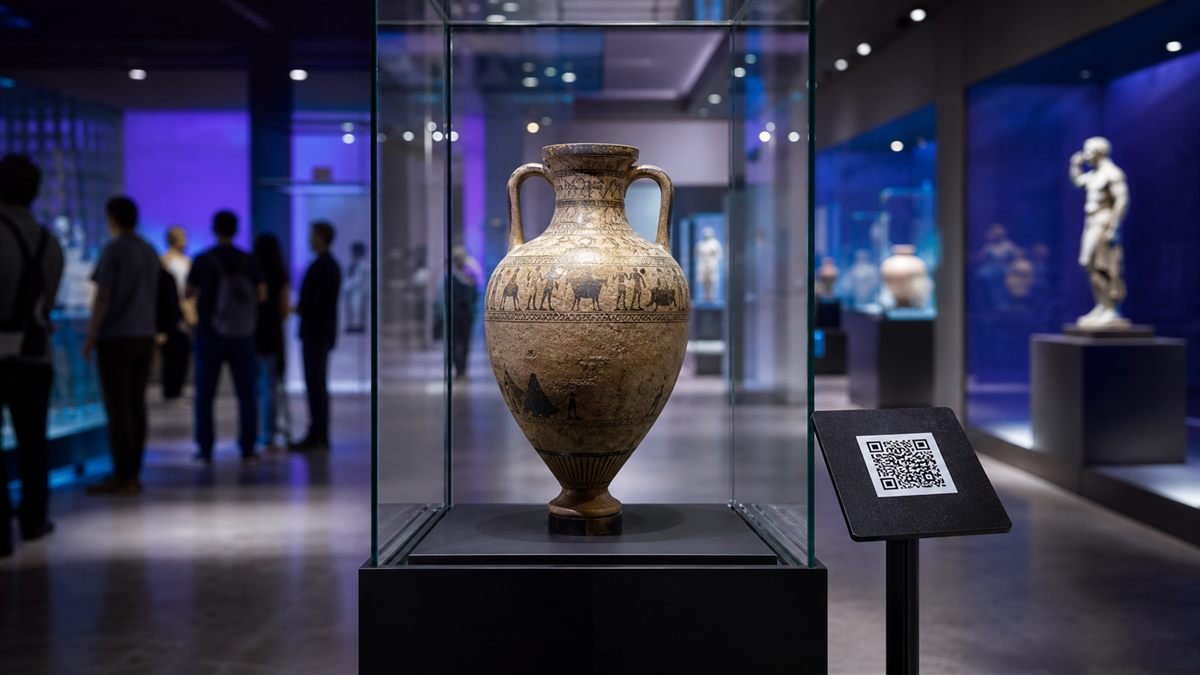
Design exhibit QR experiences that offer deeper stories, accessible formats and translations while preserving a calm gallery visit.
Read guide