QR Codes at Farmers Markets: Payments, Stories and Repeat Visits
Use clear QR signs for payments, product stories and follow-up orders in a busy market without slowing the queue or confusing shoppers.
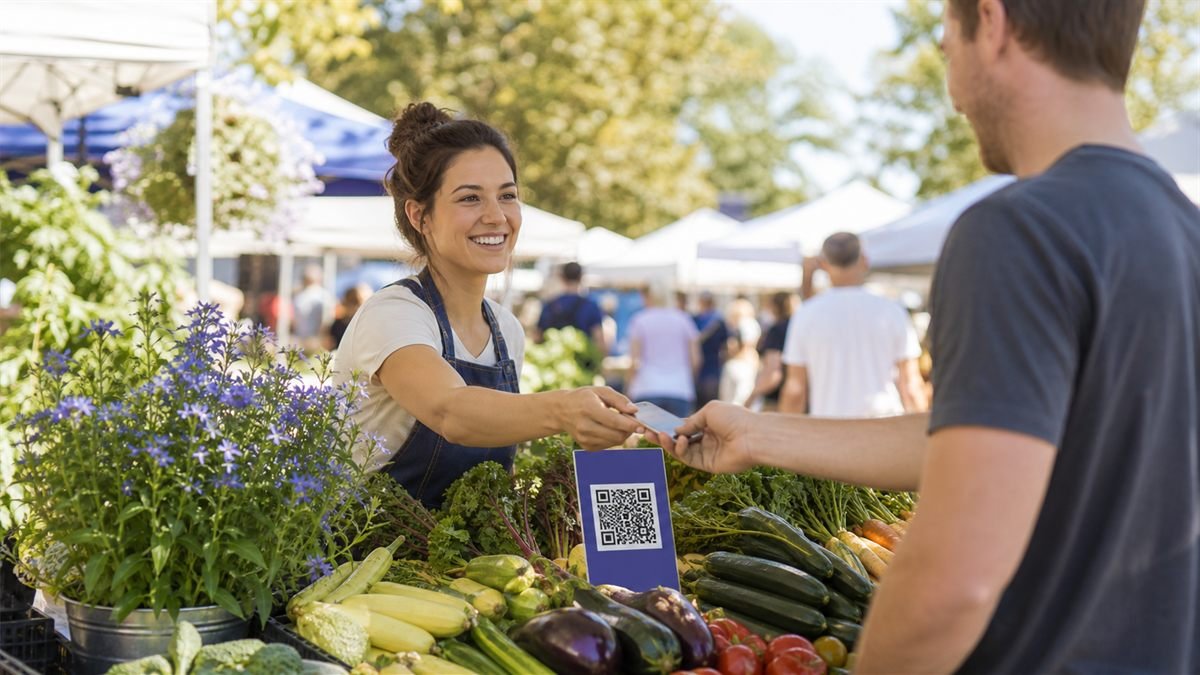
A market stall is bright, busy and sometimes offline. QR codes can help, but each sign needs a single purpose and a backup that works when sunlight, queues or mobile signal get in the way.
Match the code to the customer moment
Use a payment QR at checkout, a product-story QR beside a special item and an ordering QR on take-home packaging. Combining all three actions behind an unclear code makes customers hesitate.
Set it up step by step
- Choose the one action that would remove the most friction.
- Prepare a fast page or verified payment request.
- Print a high-contrast weather-resistant sign.
- Add a large plain-language label and visible alternative.
- Test outdoors at the time your stall normally operates.
Make the experience comfortable for people
Never rush a customer through payment. Ask them to verify the recipient name and confirm the transaction in their own banking app. Make allergen information visible without requiring a scan.
Common mistakes to avoid
- Using one unlabeled code for several different tasks.
- Trusting a customer screenshot instead of checking receipt.
- Letting a paper sign curl or fade in weather.
- Putting legally required product information only online.
Know the limitation
Connectivity and payment services can fail. A QR code also cannot confirm funds have reached you, so use the provider’s official transaction record and keep an offline plan.
A calm final check
- Test in direct sun and under a canopy.
- Verify the payment recipient name.
- Keep required information on the product.
- Inspect signs before each market day.
Final thought
The strongest market setup feels simple even on a crowded morning. Clear labels, patient payment checks and practical alternatives help technology support the personal experience shoppers came for.
A practical scenario
A stall tests its product-information sign in direct sun before market opening. This small trial keeps the promise beside the code aligned with what appears after scanning.
What can go wrong, and how to recover
Likely problem: Glare and changing prices make the linked page confusing.
Practical recovery: Use a matte holder, keep today’s price visible at the stall and maintain the destination.
Record a real test before publishing
Test sunlight, mobile signal, wet handling, current stock and a spoken alternative. Write down the device, conditions, result and correction instead of relying on memory. Retest the final exported or printed version after every meaningful design or destination change.
Questions people often ask
How often should this QR code be reviewed?
Review it after every destination change and on a recurring schedule while it remains public. Payments, events and safety information deserve more frequent checks.
What if scanning is not possible?
Provide a readable URL, phone number, printed instruction or staff-assisted route that delivers the same essential outcome. A QR code should make access easier, not become the only route.