Make it yours
Use brand colors, frames, eye styles and logos to create a QR code people recognize.
Use our free QR code maker to turn links, PDFs, menus, contact details, WiFi and social profiles into scan-ready codes. This simple QR code creator works without signup and lets you customize, preview and download every design online.
Start with the right format. Each tool gives you a focused, friendly setup so your QR code works exactly the way you expect.
Send scanners to any website or landing page.
Share brochures, guides and documents instantly.
Start a conversation with a ready message.
Make mobile payments simpler for customers.
Open a Google Maps place or directions in one scan.
Open the phone dialer with a number ready to call.
Open a pre-addressed email with one scan.
Display useful text without opening a webpage.
Offer a touch-free digital menu experience.
Share several useful links from one destination.
Present product, event or portfolio images.
Bring your social profiles together for easy discovery.
LatestQR combines useful customization with a calm, straightforward experience. Create a QR code online, adjust its design and stay in control from the first detail to the final download.
Use brand colors, frames, eye styles and logos to create a QR code people recognize.
See changes as you make them, so there are no surprises after download.
Create on phone, tablet or desktop with a responsive interface built for every screen.
Save a clear PNG QR code that is ready for print, packaging, screens and social posts.
We ask only for what the tool needs and keep the experience respectful and transparent.
Plain language and sensible defaults help beginners get a reliable result quickly.
These screenshots were captured from the working site, not generated mockups. The interface may improve over time, but the free no-sign-up workflow remains the same.
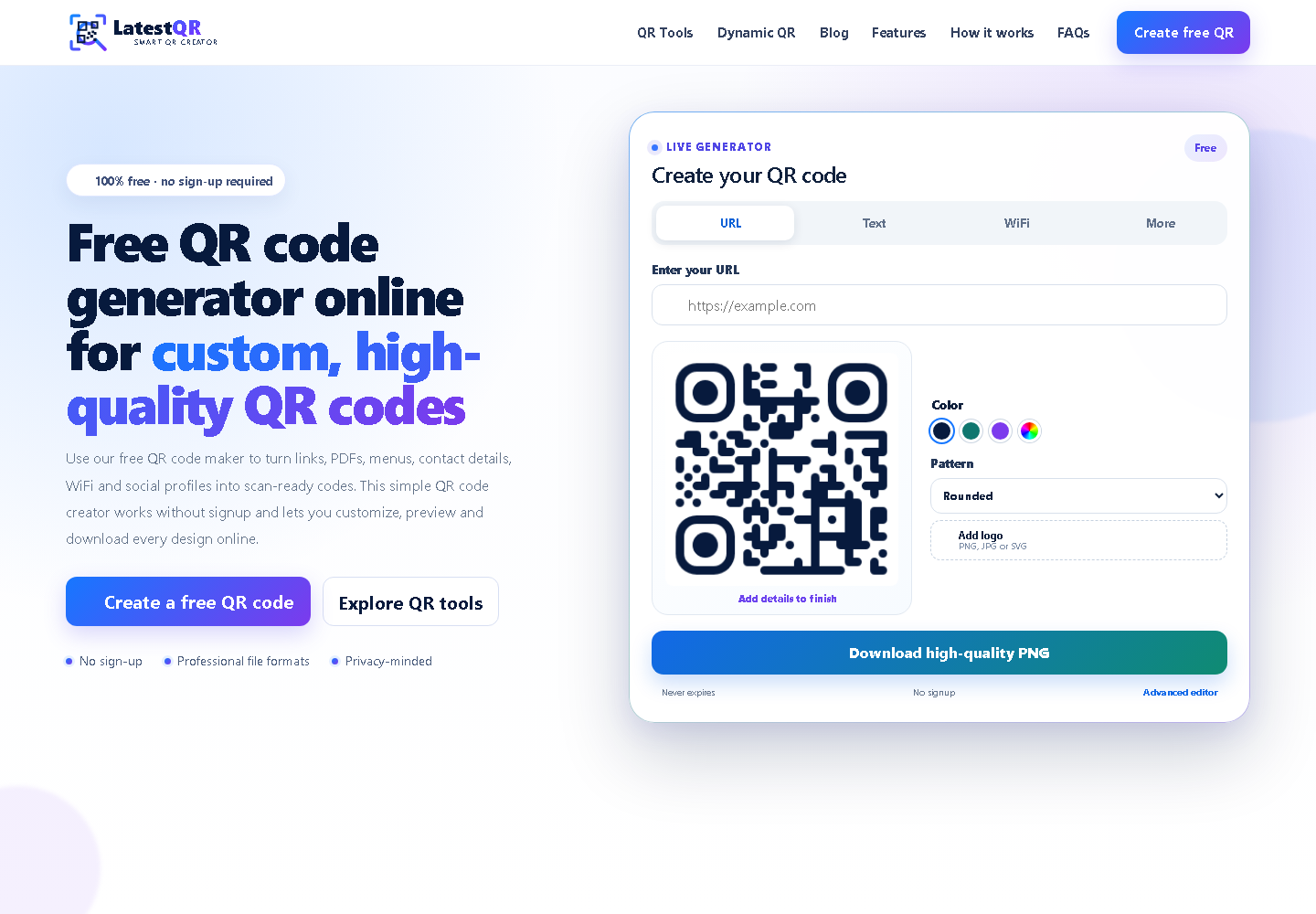
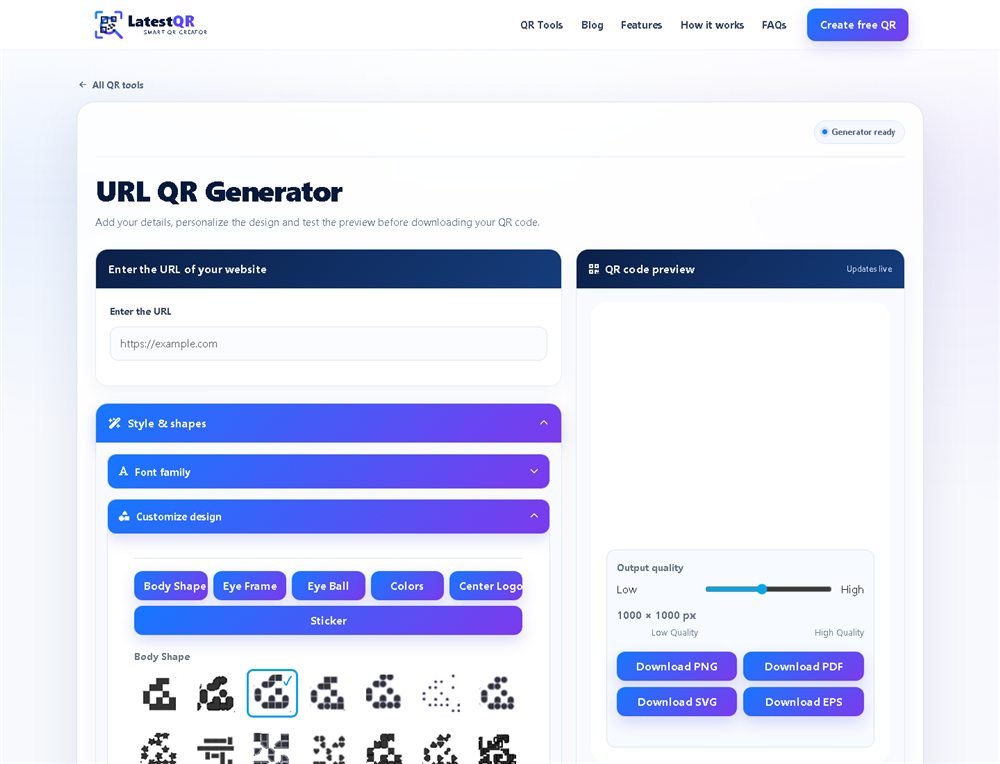
No technical knowledge is needed. Move from an idea to a tested, scan-ready QR code in minutes.
Select a URL, PDF, menu, contact, WiFi, payment or another format that fits your goal.
Enter the destination or details carefully and check that everything is accurate.
Choose colors, patterns, frames and a logo while keeping clear contrast for scanning.
Scan-test the preview, then download your finished QR code for print or digital use.
Connect printed materials to useful digital actions without asking people to type a long address. LatestQR works for quick personal tasks and customer-facing campaigns alike.
Explore every QR toolShare digital menus, ordering pages and reviews from tables or counters.
Connect packaging, displays and receipts to product details or offers.
Add websites, contact details, locations and profiles to printed materials.
Bring portfolios, videos, social profiles and multiple links into one scan.
Share registration pages, maps, schedules and attendee information.
Present supported UPI payment details in a convenient scannable format.
A polished design matters only when people can scan it quickly. Use this checklist before publishing or ordering prints.
Use strong contrast between the code and its background.
Keep clear empty space around every side of the QR code.
Test the code at the actual size you plan to print.
Avoid busy images or patterns directly behind the code.
Confirm the destination and details before downloading.
Scan with more than one phone whenever possible.
A well-made QR code shortens the distance between a physical moment and a digital action. Restaurants can share contactless menus, shops can accept UPI payments, event teams can open maps or tickets, and creators can guide people to a portfolio or social profile.
LatestQR is a free QR code generator built to make those connections feel effortless. Use the online QR code creator without creating an account, personalize the result for your brand and download it for print or digital use. Before publishing, test the finished QR code on more than one phone and leave enough clear space around it for reliable scanning.
Start free. Add your link, choose a style and download when it feels right.
Create my QR code