QR Codes for Vacation Rentals: A Friendlier Guest Guide
Organise arrival notes, appliance help and local suggestions for rental guests while keeping safety information and support easy to reach.
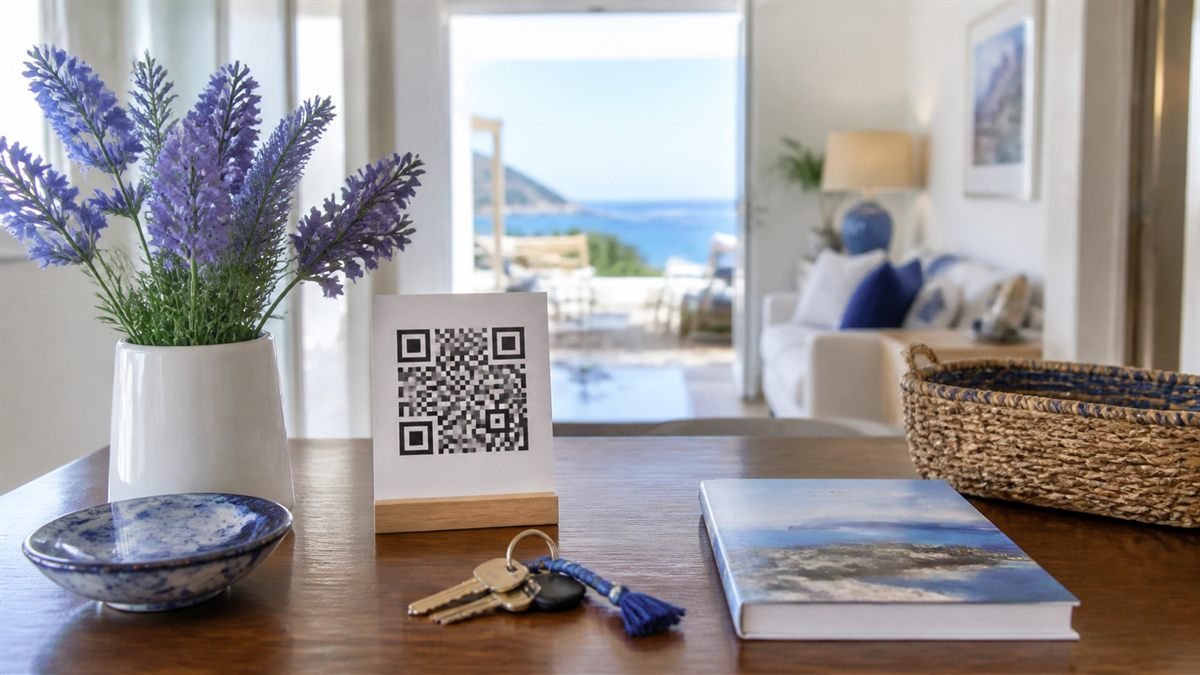
A rental guest often needs help outside normal hours. A clear QR guide can reduce uncertainty, provided it complements—not replaces—direct host contact and visible safety information.
Organise information around the stay
Start with arrival, WiFi and urgent help, then cover appliances, checkout and local suggestions. Guests should not scroll through promotional content to find out how to use the heating.
Set it up step by step
- Create short sections with clear everyday headings.
- Keep access codes on a private channel rather than a public page.
- Generate a QR for the stable guide URL.
- Place it near the entrance and in the printed welcome book.
- Review the guide after guest questions and property changes.
Make the experience comfortable for people
Use direct language, avoid unexplained local terms and include text alternatives for instructional videos. Provide a phone number for urgent issues and a typed URL as a fallback.
Common mistakes to avoid
- Publishing lockbox or alarm details on an open page.
- Showing outdated checkout rules.
- Requiring an app download to read basic instructions.
- Using the guide mainly to advertise paid extras.
Know the limitation
The guide cannot detect a property problem or guarantee that a guest has read an instruction. Hosts still need a reliable support process and must follow local safety and disclosure rules.
A calm final check
- Open every link as a signed-out visitor.
- Confirm emergency numbers are visible offline.
- Test the card in evening lighting.
- Review content after any appliance or policy change.
Final thought
A kind guest guide anticipates questions without sounding controlling. Keep it short, current and easy to leave when a visitor simply wants to enjoy the stay.
A practical scenario
A host tests arrival instructions as a guest without access to the owner account. This small trial keeps the promise beside the code aligned with what appears after scanning.
What can go wrong, and how to recover
Likely problem: A public page reveals door or alarm codes.
Practical recovery: Keep sensitive access details behind controlled delivery and use the QR for non-sensitive guidance.
Record a real test before publishing
Test signed-out access, weak signal, seasonal instructions and printed emergency contacts. Write down the device, conditions, result and correction instead of relying on memory. Retest the final exported or printed version after every meaningful design or destination change.
Questions people often ask
How often should this QR code be reviewed?
Review it after every destination change and on a recurring schedule while it remains public. Payments, events and safety information deserve more frequent checks.
What if scanning is not possible?
Provide a readable URL, phone number, printed instruction or staff-assisted route that delivers the same essential outcome. A QR code should make access easier, not become the only route.