Hotel QR Codes: A Thoughtful Guide for Guest Information
Help hotel and homestay guests find WiFi details, breakfast times and local information without making the stay feel impersonal.
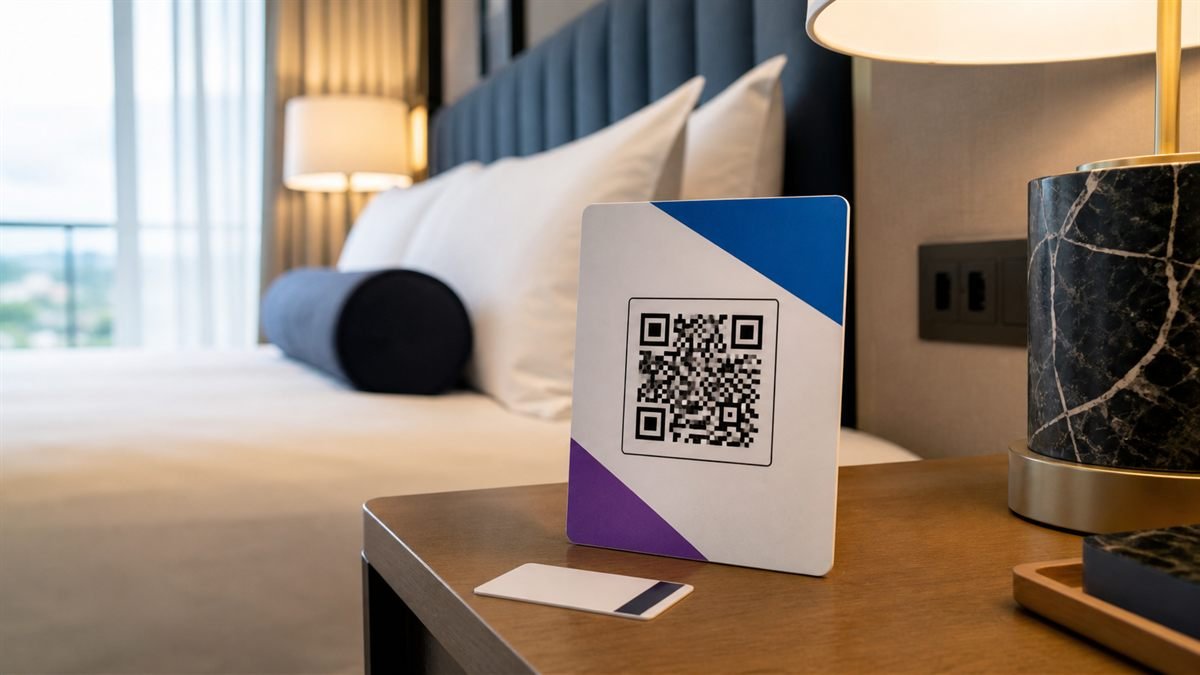
A hotel QR code works best as a quiet helper. It can place useful answers within easy reach while staff remain available for the moments when a human conversation matters.
Choose one useful guest need
Guests usually scan because they need an answer now: the WiFi password, breakfast hours, checkout instructions or a local recommendation. A short mobile page with clearly labelled sections is kinder than a large PDF that requires pinching and searching.
Set it up step by step
- Create a simple mobile guest page and put urgent details near the top.
- Check every phone number, time and link with a staff member.
- Create a URL QR code with strong dark-on-light contrast.
- Place a plain label beside it, such as “Scan for your room guide.”
- Test from the bedside, reception desk and printed welcome folder.
Make the experience comfortable for people
Do not make a scan compulsory for essential safety information. Provide printed emergency numbers and offer the same help at reception. Use large text, descriptive links and a page that works with screen readers.
Common mistakes to avoid
- Sending guests to the hotel homepage instead of the promised answer.
- Publishing door codes or other sensitive access details on a public page.
- Using glossy cards that reflect bedside lighting.
- Leaving seasonal opening hours unchanged.
Know the limitation
A static QR keeps the same destination. It cannot tell you whether the information behind that destination is current, and it should never replace required signs, accessible formats or staff support.
A calm final check
- Scan with hotel WiFi turned off.
- Confirm the page loads comfortably on a small phone.
- Check emergency information independently.
- Assign one person to review the page each month.
Final thought
The most welcoming setup is modest: one clear code, a clear promise and an easy alternative. When the page answers real questions quickly, the QR feels helpful rather than decorative.
A practical scenario
A hotel tests its room guide with a newly arrived guest who has not joined the property WiFi. This small trial keeps the promise beside the code aligned with what appears after scanning.
What can go wrong, and how to recover
Likely problem: Essential checkout details are available only after scanning.
Practical recovery: Keep safety and essential information in print and use the code as a convenient additional route.
Record a real test before publishing
Test mobile data, guest WiFi, bedside lighting, page permissions and reception fallback. Write down the device, conditions, result and correction instead of relying on memory. Retest the final exported or printed version after every meaningful design or destination change.
Questions people often ask
How often should this QR code be reviewed?
Review it after every destination change and on a recurring schedule while it remains public. Payments, events and safety information deserve more frequent checks.
What if scanning is not possible?
Provide a readable URL, phone number, printed instruction or staff-assisted route that delivers the same essential outcome. A QR code should make access easier, not become the only route.