Wedding QR Codes: Share Details Without Overwhelming Guests
Use a wedding QR code for RSVPs, directions, schedules and photo sharing while keeping invitations warm and easy to understand.
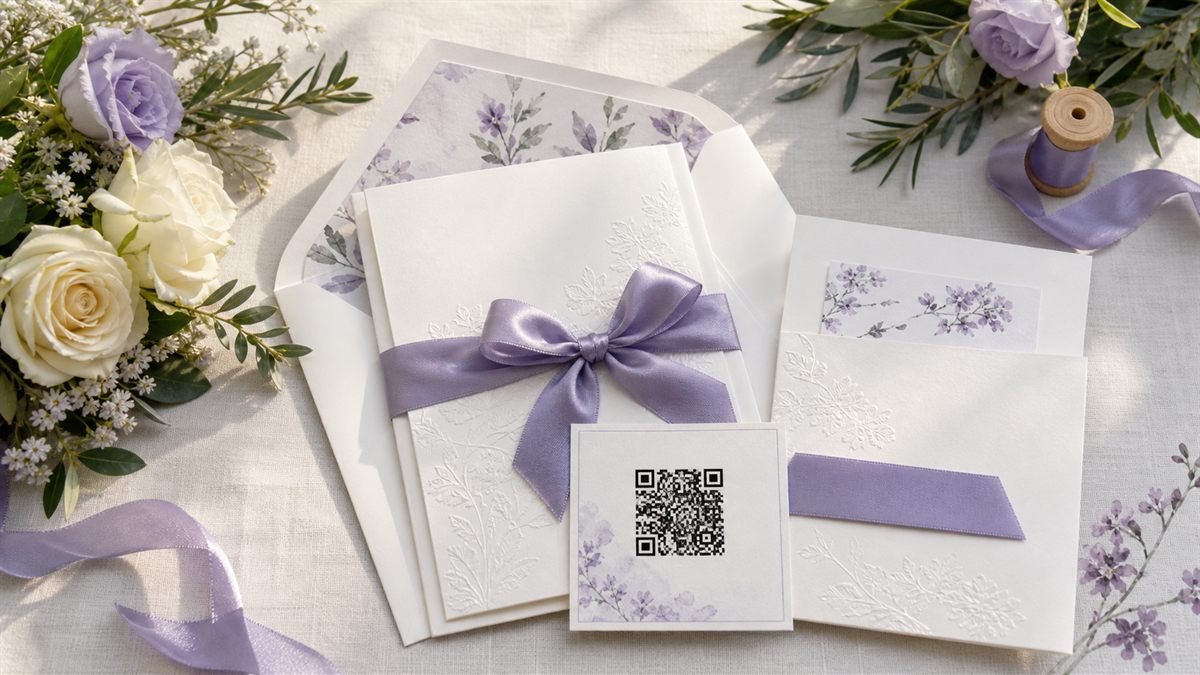
A wedding QR code can save space on an invitation, but it should never make a guest guess what will happen after scanning. A few warm words beside the code make all the difference.
Give the code one clear role
An RSVP code and a photo-upload code serve different moments. Keep them separate, label each one honestly and avoid placing several unexplained codes on the same card. Older guests should also have a phone or written option.
Set it up step by step
- Prepare a fast page with the RSVP form, date, venue and contact details.
- Use a stable HTTPS link that will remain available through the event.
- Create the code and keep the design simpler than the surrounding artwork.
- Print a sample at the exact invitation size.
- Ask two people outside the planning group to scan and explain what they see.
Make the experience comfortable for people
Keep form questions necessary and polite. Explain who receives the response, avoid public guest lists and make dietary or accessibility fields optional where appropriate. Do not require an account just to RSVP.
Common mistakes to avoid
- Using pale gold modules on a white invitation.
- Placing the code across a fold or textured ribbon.
- Linking directly to a map without showing the venue name.
- Closing the RSVP page without offering a contact route.
Know the limitation
Printed static codes cannot be edited. You can update the page at the same URL, but changing the URL means printing a new code. Photo-sharing services also have their own privacy and retention rules.
A calm final check
- Test in indoor evening light.
- Check the RSVP confirmation message.
- Keep at least one non-digital response option.
- Remove private event details after they are no longer needed.
Final thought
Good wedding technology stays in the background. Let the code handle a small practical task so the invitation can still feel personal, generous and unmistakably yours.
A practical scenario
A couple asks two guests outside the planning group to test the RSVP card. This small trial keeps the promise beside the code aligned with what appears after scanning.
What can go wrong, and how to recover
Likely problem: Decorative foil and a fold reduce scanning reliability.
Practical recovery: Move the code to a flat high-contrast panel and preserve phone or written RSVP options.
Record a real test before publishing
Test exact invitation stock, indoor evening light, signed-out form access and confirmation. Write down the device, conditions, result and correction instead of relying on memory. Retest the final exported or printed version after every meaningful design or destination change.
Questions people often ask
How often should this QR code be reviewed?
Review it after every destination change and on a recurring schedule while it remains public. Payments, events and safety information deserve more frequent checks.
What if scanning is not possible?
Provide a readable URL, phone number, printed instruction or staff-assisted route that delivers the same essential outcome. A QR code should make access easier, not become the only route.