How to Create an Event Registration QR Code
Create an event registration QR code for forms, tickets and check-in, with practical advice for placement, privacy, testing and attendee support.

An event registration QR code gives guests a quick path from an invitation, poster or social post to the form where they can reserve a place. A separate event check-in QR code can help people confirm their arrival at the venue. Both work best when the purpose is obvious, the destination is mobile friendly and a helpful backup remains available.
What is an event registration QR code?
An event registration QR code normally stores the public URL of a form or booking page. A guest scans it, reviews the event details and submits the information requested by the organiser. The QR code does not register anyone by itself; the form, ticketing service or event website handles the submission.
This distinction matters when troubleshooting. If the camera recognises the code but the form does not accept entries, the QR pattern may be fine and the problem may be the form settings, closing date or sign-in requirement.
Registration and check-in are different steps
Registration happens before attendance is confirmed. It may collect a name, contact method, ticket choice or accessibility request. Check-in happens when a registered guest arrives and may record attendance or validate a ticket. Using one label for both actions can confuse attendees.
- Registration QR code: “Scan to register for the event.”
- Ticket QR code: usually belongs to one attendee and should not be displayed publicly.
- Check-in QR code: “Registered already? Scan to check in.”
For a small free workshop, one public form may be enough. For a paid conference or controlled-capacity event, use an event platform designed to issue and validate individual tickets.
How to create an event registration QR code
- Create the registration form or booking page and publish it.
- Open the link in a private browser window to confirm that guests can access it without your organiser account.
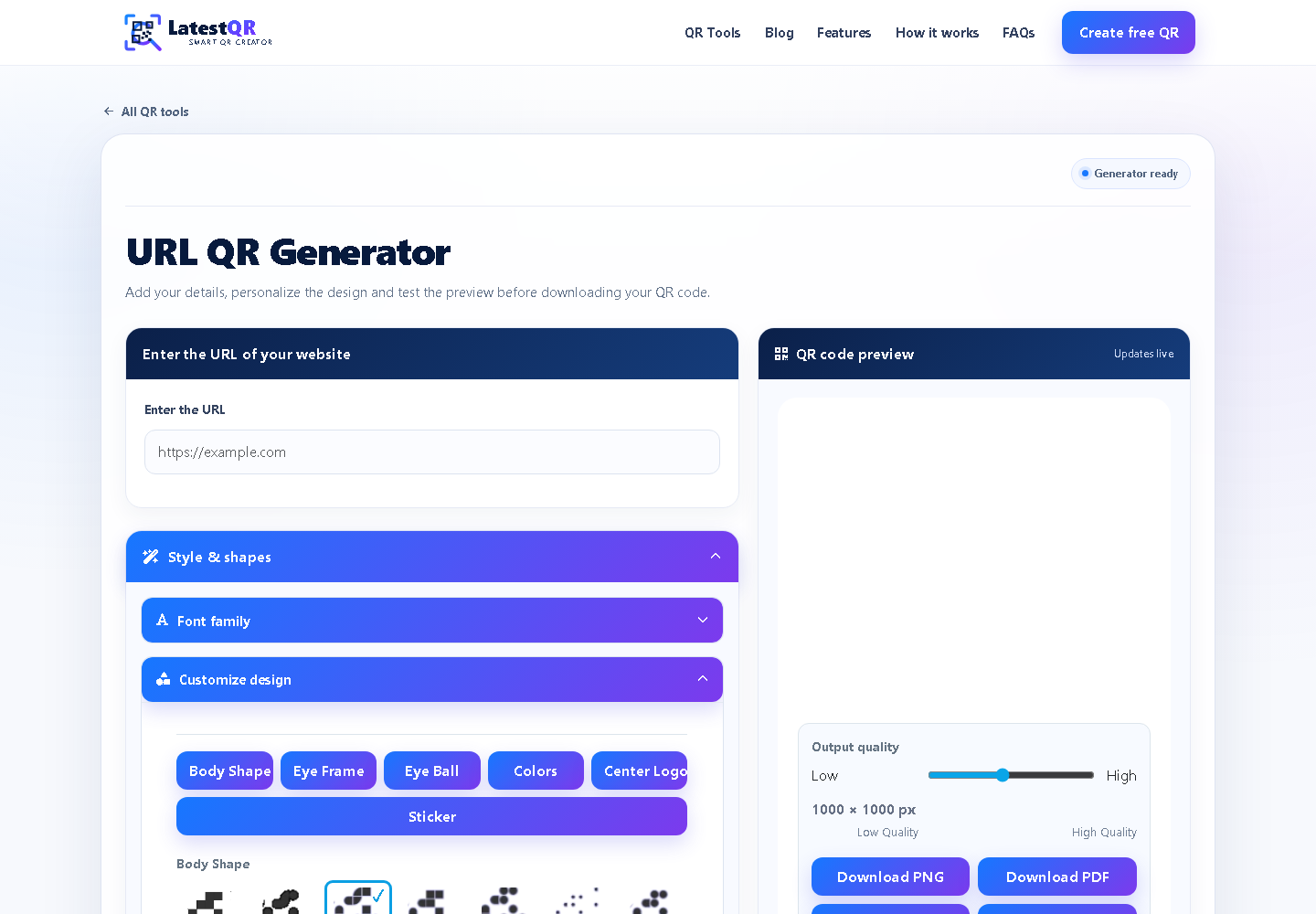
- Open the LatestQR URL QR Generator.
- Paste the complete HTTPS registration URL.
- Choose a dark foreground, light background and simple scan-friendly design.
- Generate the QR code and scan the preview from another phone.
- Download PNG for email and social posts, or SVG/PDF for posters and professional printing.
Using Google Forms or another form service
A registration QR code can point to Google Forms, Microsoft Forms, an event platform or a form hosted on your own website. Before creating the code, check the form title, event date, venue, capacity and confirmation message. Remove unnecessary questions and explain why sensitive information is needed.
Some forms are accidentally restricted to members of an organisation. Test while signed out and on mobile data. If an account is required, state that beside the QR code so guests are not surprised after scanning.
Create a smooth event check-in process
Choose a check-in method that matches the event. A public arrival form may suit a small club meeting. A conference with paid tickets needs individual validation to prevent accidental or repeated entry. Do not use a single public QR code as proof that someone purchased a ticket.
At the entrance, place the code where a short queue can form safely. Keep a staff member nearby, provide a manual attendee list and separate people who need help from those who can check in quickly. The QR code should reduce friction, not move every problem to the doorway.
Where to place the registration code
- Printed invitations and flyers
- Event posters and noticeboards
- Venue or organiser web pages
- Email reminders and social posts
- Partner locations where the intended audience already visits
A registration code should appear early enough for someone to complete the form calmly. A check-in code belongs near the venue entrance, registration desk or waiting area. Avoid placing it behind reflective glass, at floor level or where a queue will block the view.
Size, contrast and print quality
For close scanning on an invitation, start around 25 to 30 mm wide and increase the size for posters or longer viewing distances. The final requirement depends on the URL, printing method, lighting and material. Preserve a clear quiet zone around all four sides and avoid stretching the image.
Print one proof at actual size. Test it from the expected distance with an Android phone and an iPhone if possible. A code that works while enlarged on a monitor may fail after a printer softens its edges or a glossy surface introduces glare.
Privacy and attendee trust
Encode the public registration URL, not an attendee name, email address, phone number or private ticket record. Anyone can photograph a public QR code. Personal information should be collected by a secure form with appropriate access controls and a clear privacy explanation.
Ask only for information the event genuinely needs. If the form uses analytics, marketing consent or third-party services, explain this honestly. Accessibility or dietary questions can be useful, but access should be limited to the team members responsible for those arrangements.
Test the complete journey before publishing
- The QR code opens the intended event and not an old copy.
- The date, time, venue and deadline are consistent everywhere.
- The form works without the organiser account.
- The confirmation page explains what happens next.
- The venue map and contact details work on a phone.
- The final printed code scans under realistic lighting.
- A readable URL and staff-assisted option are available.
Troubleshooting common event QR problems
The camera sees the code but the form will not open
Check that the URL begins with HTTPS, the form is published and its sharing settings allow the intended audience. Test in a private window and on mobile data.
Guests see the wrong event or an old date
Correct the destination page and replace affected artwork before distribution. If the embedded static URL itself is wrong, generate a new QR code rather than covering the mistake with unclear instructions.
The code scans online but not on the poster
Increase its physical size, restore the quiet zone, remove a large centre logo and improve contrast. Test the real printed material instead of another screen preview.
A queue forms at check-in
Use several clearly marked scanning points, move support questions to a separate desk and keep a downloaded attendee list for manual lookup. Review how many fields guests must complete at the entrance.
The venue internet is unreliable
Prepare a manual process before doors open. Download the authorised attendee list securely, provide a readable short URL and decide how offline arrivals will be reconciled later.
Limitations worth understanding
A static QR code cannot confirm attendance, prevent duplicate submissions, verify payment or update an incorrect embedded URL. Those features depend on the destination system. Phones may be unavailable, batteries can fail and some guests need assistance, so essential event details and an alternative registration route should remain visible.
Frequently asked questions
Can I create an event registration QR code for free?
Yes. Publish a registration form or booking page, paste its public URL into the LatestQR URL QR Generator, test the result and download the QR code without signup.
Can the same QR code be used for registration and check-in?
It can, but separate codes are usually clearer. A registration code collects details before the event, while a check-in code should confirm or record arrival at the venue.
Where should an event QR code be placed?
Place registration codes on invitations, event pages, posters and reminder messages. Put check-in codes at eye level near the entrance and provide a staffed backup desk.
What should I do if the event venue has poor internet?
Keep a downloaded attendee list, a manual check-in process and a readable short URL available. Test the venue connection before attendees arrive.
Final takeaway
A strong event registration QR code makes one next step easier and explains that step before the scan. Use a reliable public form, test the full journey, protect attendee information and plan for people who need another option. Thoughtful preparation is what turns a QR code from decoration into useful event support.