How to Spot a Fake QR Code and Avoid Quishing Scams
Learn how to inspect a QR code, verify its destination, recognise quishing warning signs and respond safely after a suspicious scan.
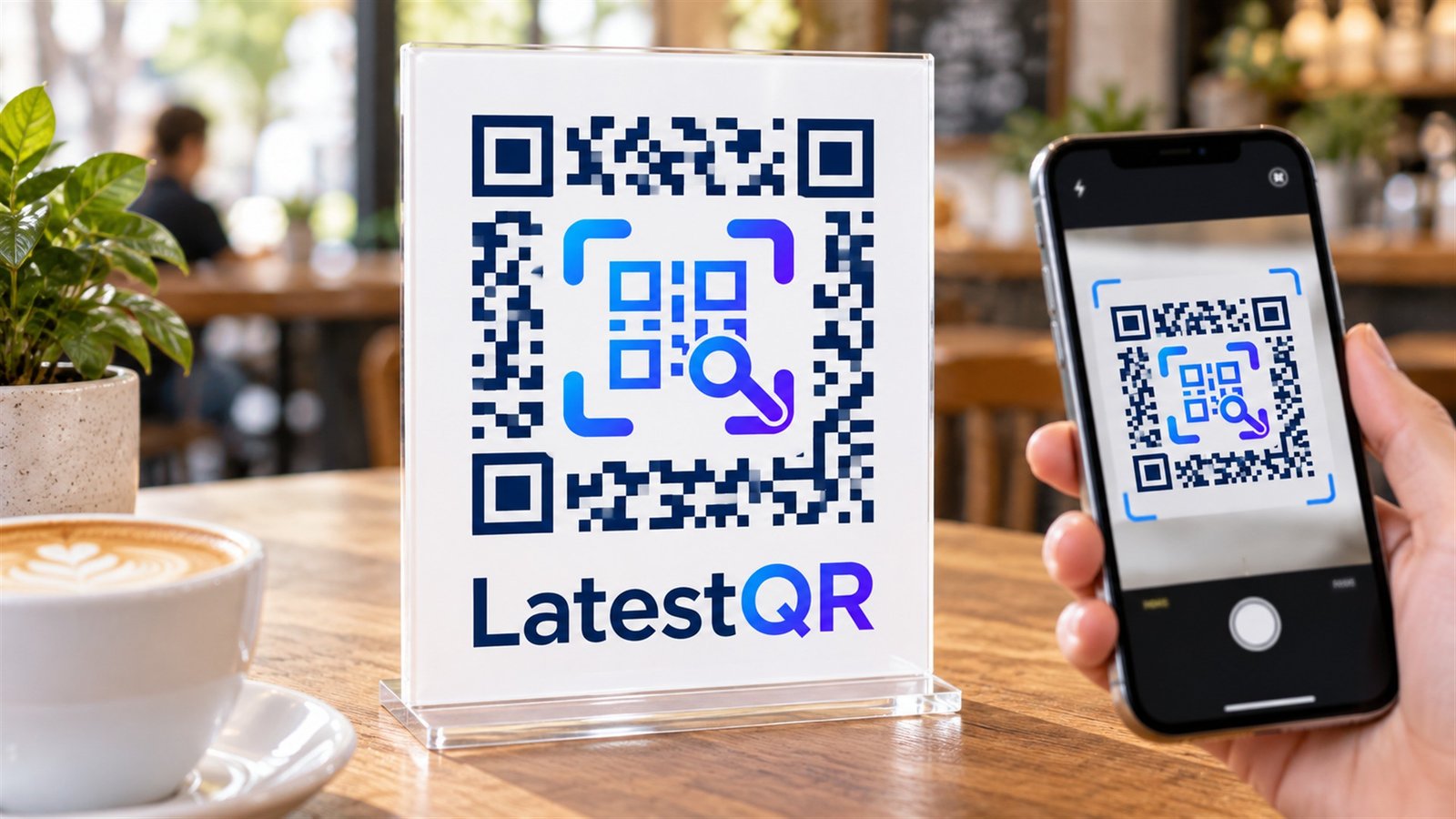
A fake QR code usually cannot be identified from its black-and-white pattern alone. Treat the source, physical placement, previewed web address and request after scanning as one trust check. Do not continue if a code is unexpected, appears pasted over another code, creates urgency, opens a misspelled domain or asks for credentials or payment you did not expect.
QR-code phishing is commonly called quishing. The code is only a carrier: the harm usually begins when it sends a person to an impersonation page, prompts an unsafe download or directs a payment to the wrong recipient. This guide explains what to inspect before, during and after a scan without suggesting that every QR code is dangerous.
What is a QR code scam?
A QR code can encode a web address, text, contact details or payment data. A malicious code can therefore point at a fake sign-in page, an unwanted app download or a payment destination controlled by a scammer. The FBI defines quishing as phishing that uses QR codes and notes that moving a victim from a computer to a mobile device can bypass some email-security controls.
The code image does not prove who created it. HTTPS and a padlock only show that the connection is encrypted; they do not prove that the site belongs to the organisation it imitates. A polished page, logo or valid certificate is not enough.
Seven warning signs before you scan
- A sticker covers another code. Look at the edges, print texture and alignment on parking meters, menus, posters and payment stands.
- The code arrived unexpectedly. Be cautious with codes in unsolicited emails, texts and packages. The FTC warns about QR codes in unexpected packages that can lead to phishing pages.
- The message manufactures urgency. Threats of a fine, account closure or missed delivery are designed to shorten your decision time.
- The source cannot be verified independently. A logo and sender name can be copied. Find the organisation through a known app, statement or independently searched website.
- There is no explanation beside the code. A trustworthy sign should tell people what the scan will do, such as “Open today’s menu” or “Pay ABC Store.”
- The code promises a surprising prize or refund. Curiosity is a common prompt in package and survey scams.
- A caller tells you to scan while staying on the phone. End the call and verify the request using a number you already trust.
How to inspect the link safely
Most current phone cameras display a destination preview before opening it. Pause there. Expand the preview when possible and read the host from right to left: in accounts.example.com, the controlling domain is example.com. A name placed earlier in a longer address—such as bank.example-login.test—does not make it the bank's site.
| Check | Lower-risk signal | Reason to stop |
|---|---|---|
| Domain | Exact domain you already know | Misspelling, extra words or unfamiliar short link |
| Context | Expected action at a known location | Unsolicited message, package or replacement sticker |
| Request | Information appropriate to the stated task | Password, card, recovery code or app install without prior expectation |
| Payment | Verified merchant name and amount | Different payee, crypto transfer or pressure to act immediately |
Short links are not automatically malicious, but they hide the final destination. When a login, payment or sensitive form is involved, do not follow an uncertain redirect. Open the official app or type the known address yourself. The FTC similarly recommends checking the URL for spoofing and contacting the organisation through independently verified details in its QR-code scam guidance.
What to do after scanning a suspicious QR code
If you only previewed a link and did not open it, close the preview. If you opened a page but entered nothing, close it, avoid downloads and remove any permission you granted. Then update your phone and browser if an update is available.
If you entered a password, use a different trusted device or the official app to change it immediately. Sign out other sessions, enable multi-factor authentication and review account recovery details. If that password was reused, change it on every affected account. Contact the relevant bank or payment provider promptly if you entered financial information or sent money; do not rely on a person who contacts you offering to “recover” funds.
Keep the message, package, URL, payment reference and screenshots as evidence, but do not revisit the malicious page. Report through the appropriate local fraud or cybercrime channel. US readers can use ReportFraud.ftc.gov or FBI IC3; users elsewhere should use their national cybercrime reporting service.
Safe QR-code practice for businesses
Businesses should make genuine codes easier to verify. Print the expected destination or business name beside the code, use a domain customers recognise, and avoid unnecessary redirect chains. For payment codes, train staff and customers to confirm the payee shown in the payment app before approval.
- Record every public code's location, owner, destination and review date.
- Inspect public signs for overlays, damaged laminates and unexplained replacement labels.
- Give staff a simple escalation route for suspicious codes.
- Keep a readable URL or staff-assisted alternative for people who choose not to scan.
- Retest after changing the destination, design, print material or placement.
When creating a legitimate campaign, use the LatestQR URL QR Generator for a direct public destination, then follow the pre-print QR testing checklist. For branded codes, the QR Customizer can adjust shapes, colour and a logo, but branding should never replace a visible destination and scan test.
LatestQR verification protocol
For this guide, we use a four-part review that can be repeated without special equipment: inspect the physical code, preview the encoded destination, open it on a non-authenticated test device, and compare the final page with the stated promise. For a payment flow, stop before approval and verify the recipient shown by the payment app. Record the phone model, browser or camera app, network, visible destination and result.
This protocol tests consistency and catches common destination or placement problems; it does not certify that a website is harmless. Security-sensitive organisations should combine user checks with managed-device controls, domain monitoring, email filtering and an incident-response process. The UK's National Cyber Security Centre recommends breaking contact and verifying suspicious messages through details obtained from an official source.
Frequently asked questions
Can an iPhone or Android phone detect every fake QR code?
No. A phone may preview the URL or warn about some known harmful destinations, but it cannot guarantee that every new or convincing impersonation page is safe. The person scanning still needs to verify the source, domain and requested action.
Is it safe if the QR link starts with HTTPS?
Not necessarily. HTTPS encrypts the connection to that domain. A scammer can also use HTTPS on a deceptive domain, so check the exact domain and context.
Can scanning a QR code alone steal money?
Most scams require another step, such as opening a page, entering information, granting permission, installing software or approving a payment. Because implementations vary, stop immediately when a scan leads to an unexpected request.
How can I tell whether a payment QR code is genuine?
Inspect the physical sign, ask staff when uncertain, and check the merchant or recipient name displayed by the payment app before approval. Do not proceed if the displayed recipient differs from the business you intend to pay.
Should businesses stop using QR codes?
No. QR codes remain useful when the destination is clearly described, independently identifiable, monitored and backed by a non-QR alternative. Risk is reduced through transparent design, routine inspection and staff training.
Bottom line
You cannot judge a QR code by its pattern. Verify the context, inspect for tampering, preview the exact domain and treat unexpected login or payment requests as a reason to stop. When the action matters, leave the QR journey and reach the organisation through a trusted app, typed address or independently sourced phone number.