vCard QR Codes for Networking: Share Details Respectfully
Let people save your professional contact details quickly while keeping consent, accuracy and a human introduction at the centre.
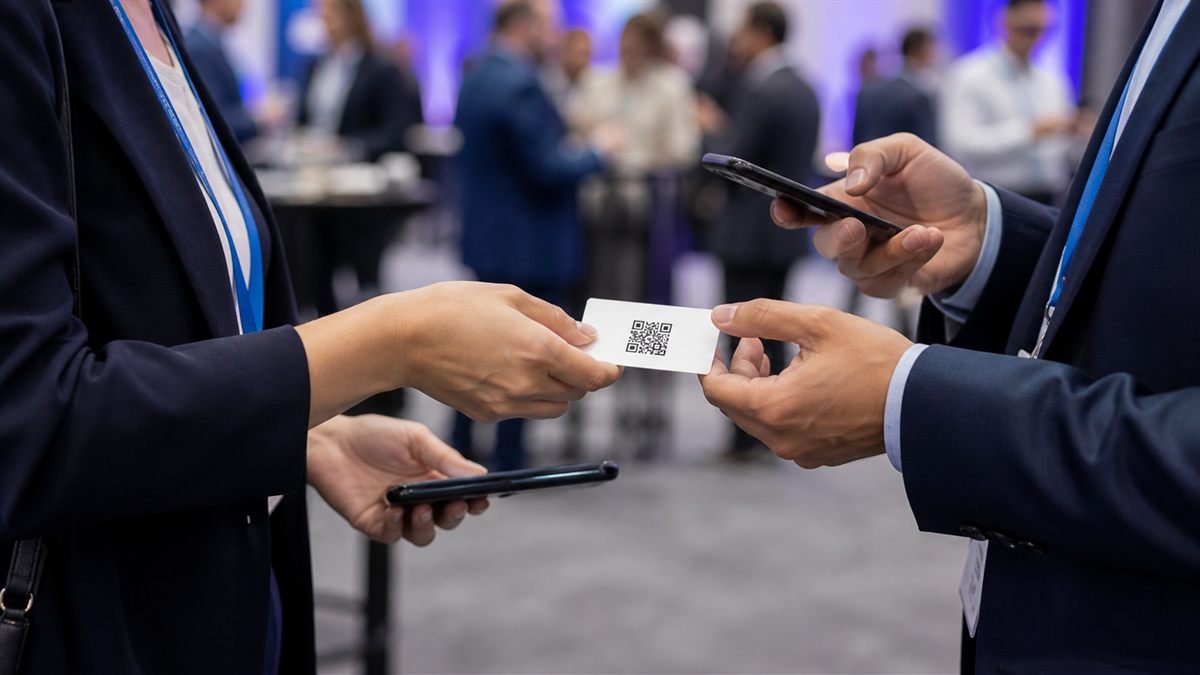
A vCard QR code removes typing, but networking still begins with a conversation. Offer the code as a convenient choice rather than pushing a phone into someone’s personal space.
Share only the details you intend to share
A vCard may include your name, organisation, role, phone, email and website. Use a professional number when possible and leave out home addresses, birthdays or personal notes that do not belong on a public card.
Set it up step by step
- Choose the contact fields that support the relationship.
- Check spelling, international phone format and website address.
- Generate the vCard QR and save it to your phone.
- Print a descriptive alternative such as your email or short website.
- Test saving the contact on both Android and iPhone.
Make the experience comfortable for people
Ask before sending follow-up marketing. Saving contact details is not the same as subscribing to a mailing list. Keep the interaction optional and provide a conventional card when useful.
Common mistakes to avoid
- Including a number you do not monitor.
- Using a logo so large that the code becomes unreliable.
- Printing the code without your visible name.
- Assuming every camera handles vCards in the same way.
Know the limitation
The information inside a static vCard QR cannot be changed after printing. If your role or number changes, create a new code and replace old materials.
A calm final check
- Save and inspect the complete contact.
- Call and email from the saved entry.
- Check your privacy choices.
- Carry a non-QR alternative.
Final thought
A useful networking code saves a small amount of effort and then gets out of the way. Accuracy, consent and a genuine conversation matter more than novelty.
A practical scenario
A professional imports the contact on Android and iPhone before printing conference cards. This small trial keeps the promise beside the code aligned with what appears after scanning.
What can go wrong, and how to recover
Likely problem: The organisation or phone field lands in the wrong contact-book field.
Practical recovery: Simplify the vCard, verify international number formatting and show key details in readable text.
Record a real test before publishing
Test multiple contact apps, name fields, phone format, email accuracy and print trim. Write down the device, conditions, result and correction instead of relying on memory. Retest the final exported or printed version after every meaningful design or destination change.
Questions people often ask
How often should this QR code be reviewed?
Review it after every destination change and on a recurring schedule while it remains public. Payments, events and safety information deserve more frequent checks.
What if scanning is not possible?
Provide a readable URL, phone number, printed instruction or staff-assisted route that delivers the same essential outcome. A QR code should make access easier, not become the only route.