How LatestQR tests QR code guidance
Our method separates interface evidence, destination verification and real physical scan testing.
Three evidence levels
Each level answers a different question about the QR experience.
Interface check
Confirms that named fields, controls, previews and downloads are present in the tested build.
Proves what the interface showsDestination check
Confirms that the encoded URL or action opens the intended public destination under recorded conditions.
Proves what the tested link opensPhysical scan test
Checks a final-size printed or installed code using recorded devices, distance, lighting and surface.
Proves the recorded setup workedA screenshot of a generator is interface evidence. It is not proof that every printed code will scan.
What a useful test record contains
Enough context for another person to understand and repeat the check.
- Date and versionTool or page build checked
- DestinationEncoded action and access requirements
- OutputFormat, dimensions and design choices
- DevicePhone and operating system used
- ConditionsSurface, distance, angle and lighting
- ResultFailure, correction and retest outcome
Current first-party interface evidence
Real browser captures from LatestQR interfaces—not simulated product screens.
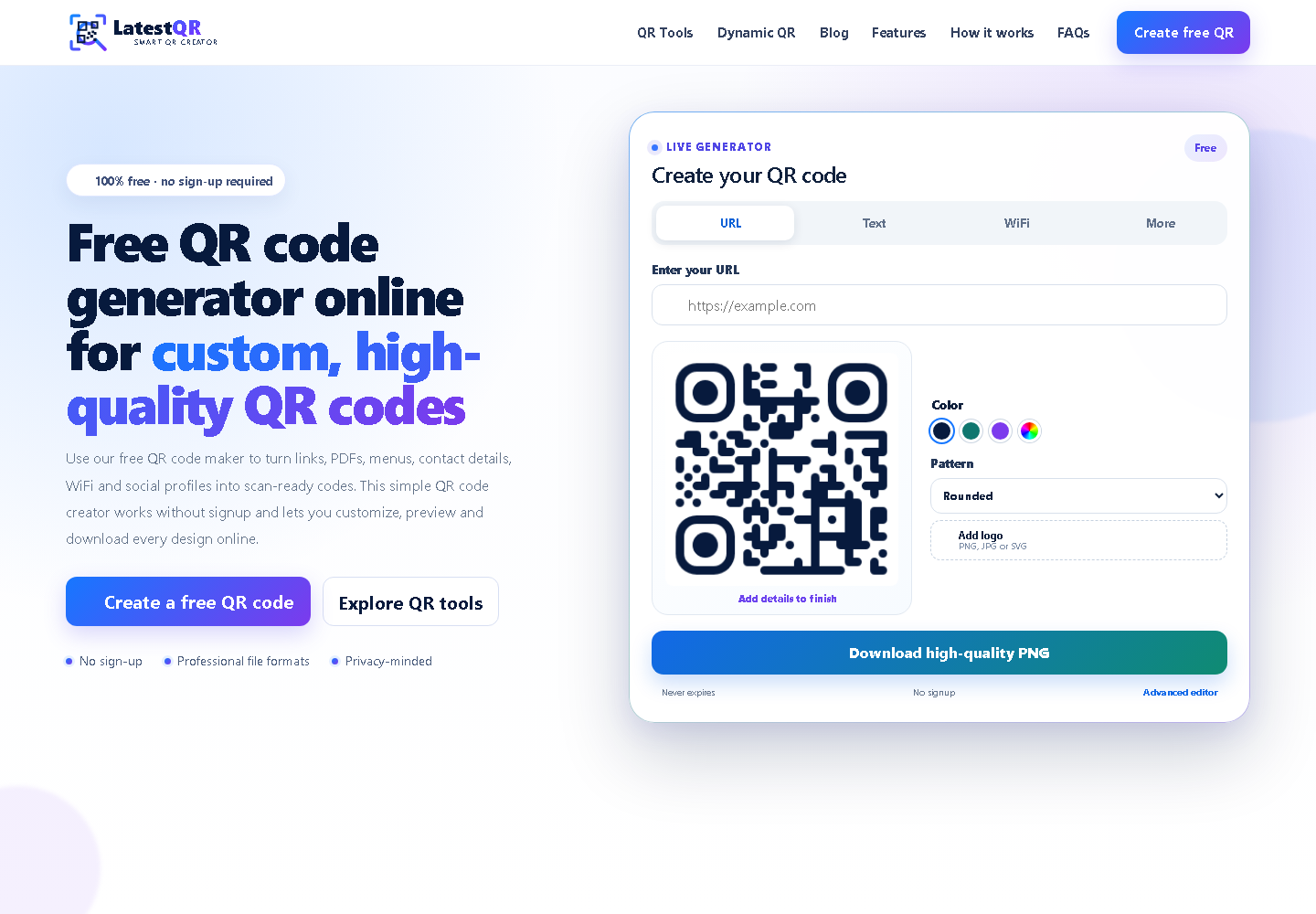 Interface evidence
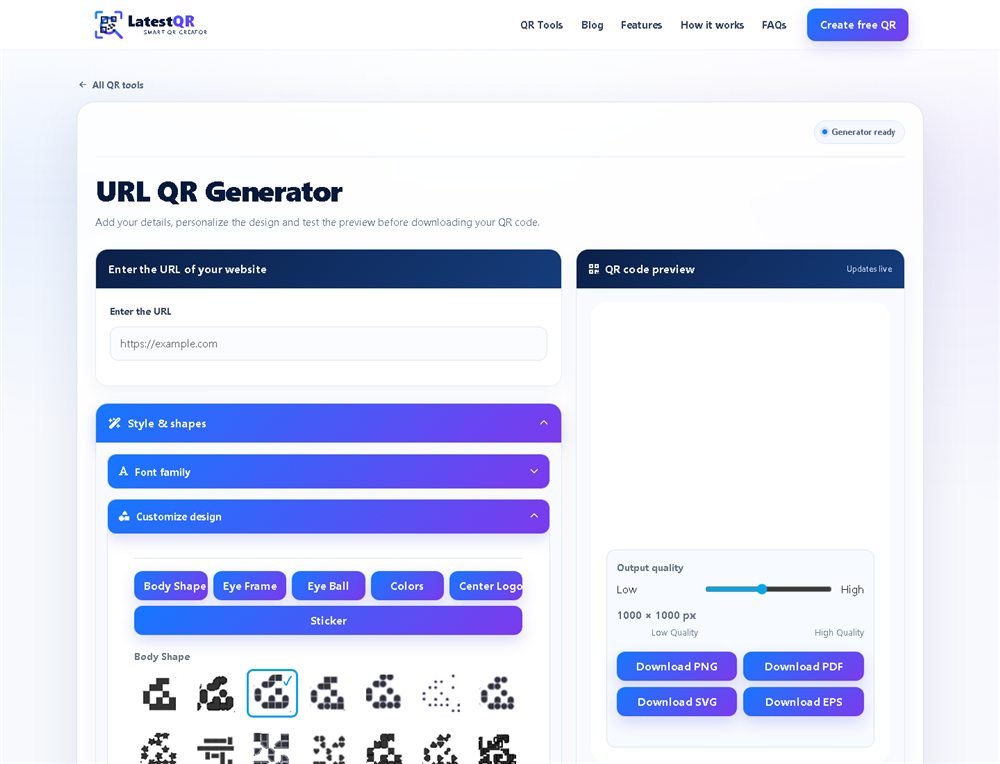 Interface evidence
These captures document visible interfaces only. Physical scan evidence is published only after the final artifact and test conditions have been recorded.
What we do not claim
No single test guarantees performance on every camera, browser, network, printer or surface. Third-party pages can also change after testing.
Keep another route available
Readers should test their own final output and provide a readable URL, printed instruction or staff-assisted alternative where access matters.
Help us investigate it properly
Include the tool URL, device, browser, QR destination, export format and the steps needed to reproduce the problem.