WiFi QR Code Generator
Create a scannable code that helps guests join your WiFi network without typing the password. Your network details stay in the QR code generated in this browser.
Your QR preview will appear here
Create a scannable code that helps guests join your WiFi network without typing the password. Your network details stay in the QR code generated in this browser.
This tool turns WiFi network credentials into a scannable route to a supported wireless network without manually typing its password. Place a WiFi QR in a guest room so visitors can join without typing the password.
Before generating: Enter the network name exactly, choose its security type and add the current password. Match the network name and security type exactly, including capitalization, and test after any password change.
Place a WiFi QR in a guest room so visitors can join without typing the password.
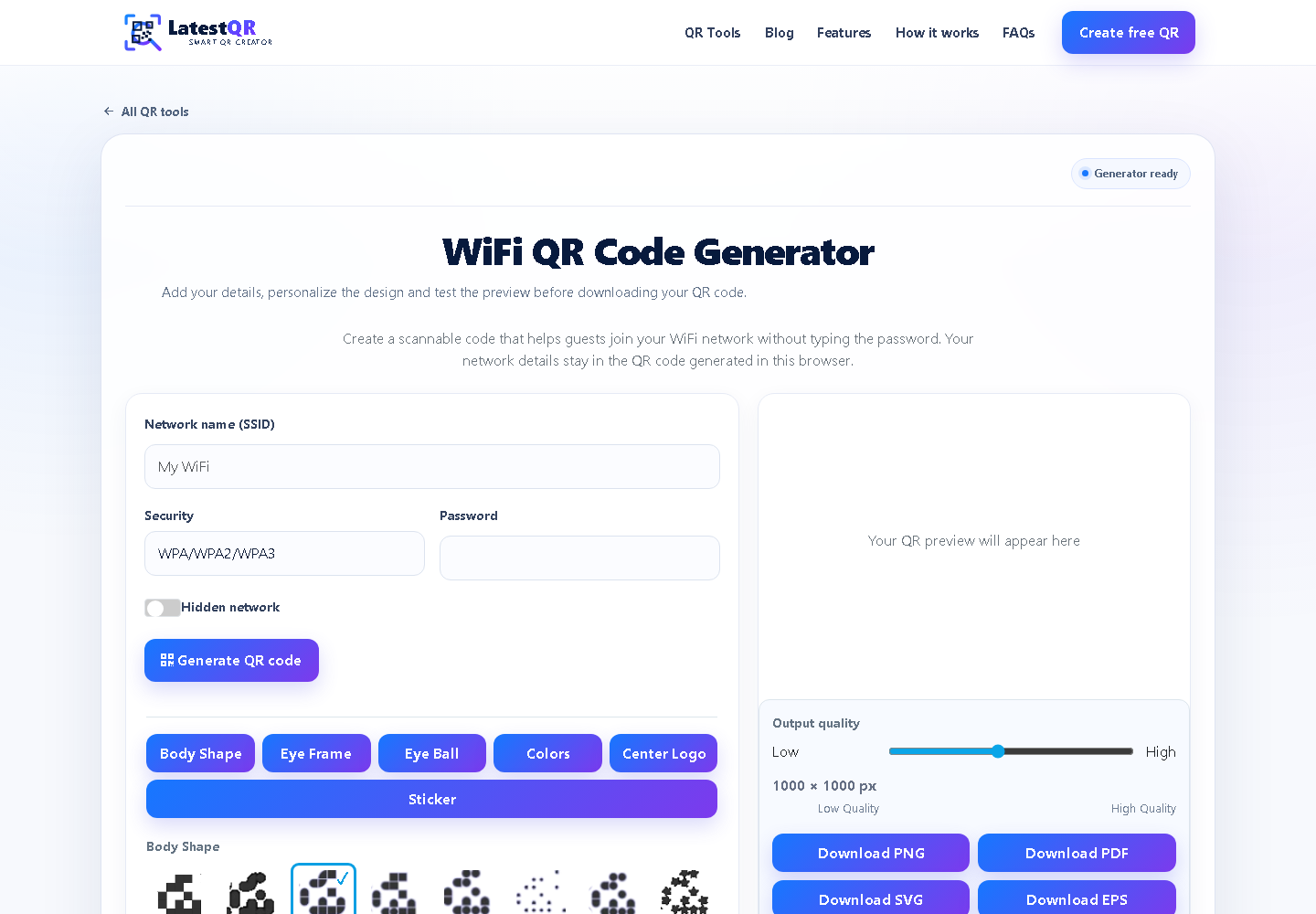
Enter the network name exactly, choose its security type and add the current password. Then confirm that it opens a supported wireless network without manually typing its password exactly as a scanner will see it.
Homes, cafes, hotels, offices and event venues. The printed label should tell people what will happen after they scan.
Some older phones do not support every enterprise or hidden-network configuration.
Match the network name and security type exactly, including capitalization, and test after any password change.