Donation QR Codes for Nonprofits: Build a Trustworthy Journey
Help supporters reach a verified donation page with clear context, accessible choices and reassurance about where their gift goes.
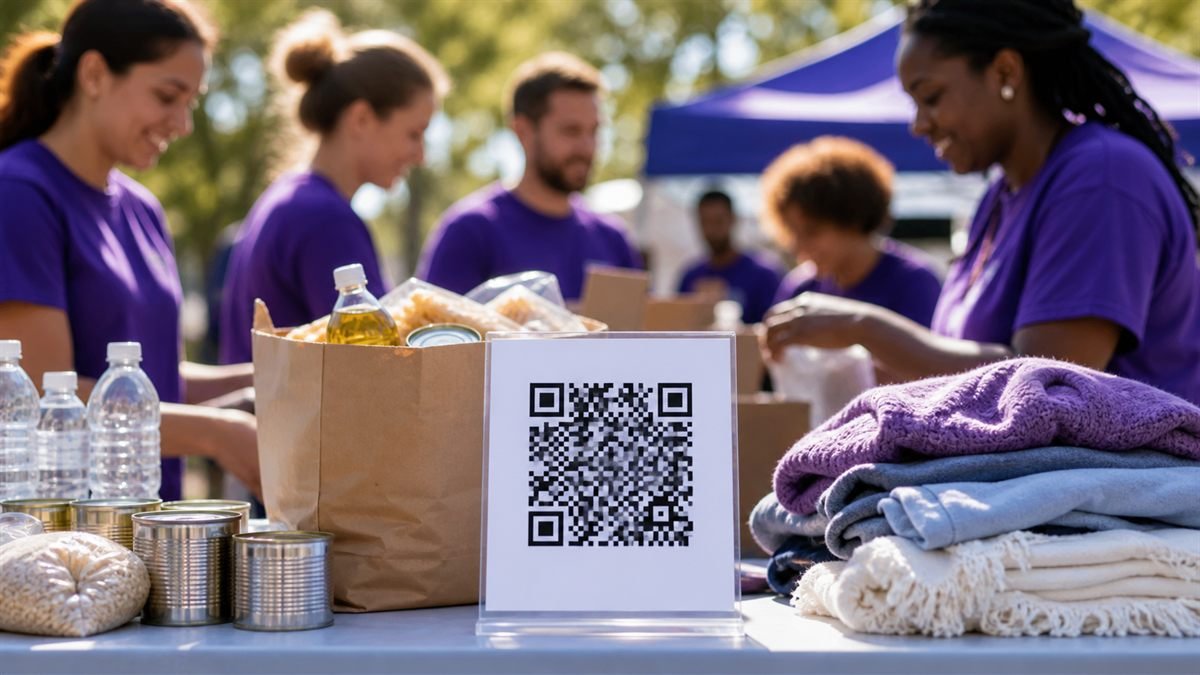
A donation request asks for trust. The QR code should lead directly to a recognisable, secure page and sit beside enough context for a supporter to make an informed choice.
Make verification easy
Use the nonprofit’s official domain or established payment provider. Show the organisation name, purpose and contact details before asking for payment. At events, staff should know how to help someone confirm that the code is genuine.
Set it up step by step
- Prepare a secure donation page that works well without an account.
- Explain what the campaign supports in plain language.
- Create the code from the final verified URL.
- Place the organisation name and short URL beside the code.
- Inspect physical signs regularly for replacement stickers or damage.
Make the experience comfortable for people
Offer preset amounts without pressuring visitors and make custom amounts easy. Clearly mark recurring donations, provide receipt information and explain how supporter data will be used.
Common mistakes to avoid
- Using a personal payment account for an organisational appeal.
- Hiding whether a contribution repeats monthly.
- Printing a code without the organisation’s identity.
- Leaving unattended posters unchecked for tampering.
Know the limitation
LatestQR can create the link, but it cannot verify a charity, process the donation or confirm receipt. Those responsibilities remain with the organisation and its payment provider.
A calm final check
- Verify the payee and domain independently.
- Test the smallest permitted donation.
- Check refund and contact information.
- Assign event staff to inspect signs.
Final thought
A trustworthy donation experience is transparent before, during and after payment. Give supporters a clear destination, room to choose and an easy way to ask a question.
Make a donation QR code easy to verify
A donor should be able to confirm who receives the money before approving a payment. Display the nonprofit’s name, purpose and official website beside the code. If the QR opens a payment app, ask the donor to verify the payee shown by that app; if it opens a donation page, use the organisation’s controlled HTTPS address and explain the available payment methods.
Donation-sign checklist
- Test the smallest permitted donation from a device that is not already signed into the organisation’s accounts.
- Confirm that the payee or organisation name is recognisable before payment approval.
- Explain whether and how a receipt will be issued.
- Inspect unattended posters and collection points for replacement stickers or damage.
- Provide a readable official address and a staff-supported donation route as alternatives.
For direct UPI collections, create the payment details with the UPI QR code generator and follow the UPI QR safety checklist. Never treat a payer’s screenshot as proof that funds were received; verify the transaction in the organisation’s own account or payment system.
A practical scenario
A charity asks event staff to verify the official donation page and payee before opening. This small trial keeps the promise beside the code aligned with what appears after scanning.
What can go wrong, and how to recover
Likely problem: An unattended sign is covered by a replacement sticker.
Practical recovery: Inspect displays regularly and show the organisation name plus official typed address.
Record a real test before publishing
Test domain, payee identity, smallest donation, receipt and physical tampering. Write down the device, conditions, result and correction instead of relying on memory. Retest the final exported or printed version after every meaningful design or destination change.
Questions people often ask
How often should this QR code be reviewed?
Review it after every destination change and on a recurring schedule while it remains public. Payments, events and safety information deserve more frequent checks.
What if scanning is not possible?
Provide a readable URL, phone number, printed instruction or staff-assisted route that delivers the same essential outcome. A QR code should make access easier, not become the only route.