QR Codes for Customer Feedback: Ask Less, Learn More
Create a short, respectful feedback journey that customers can complete comfortably after a purchase, visit or service.
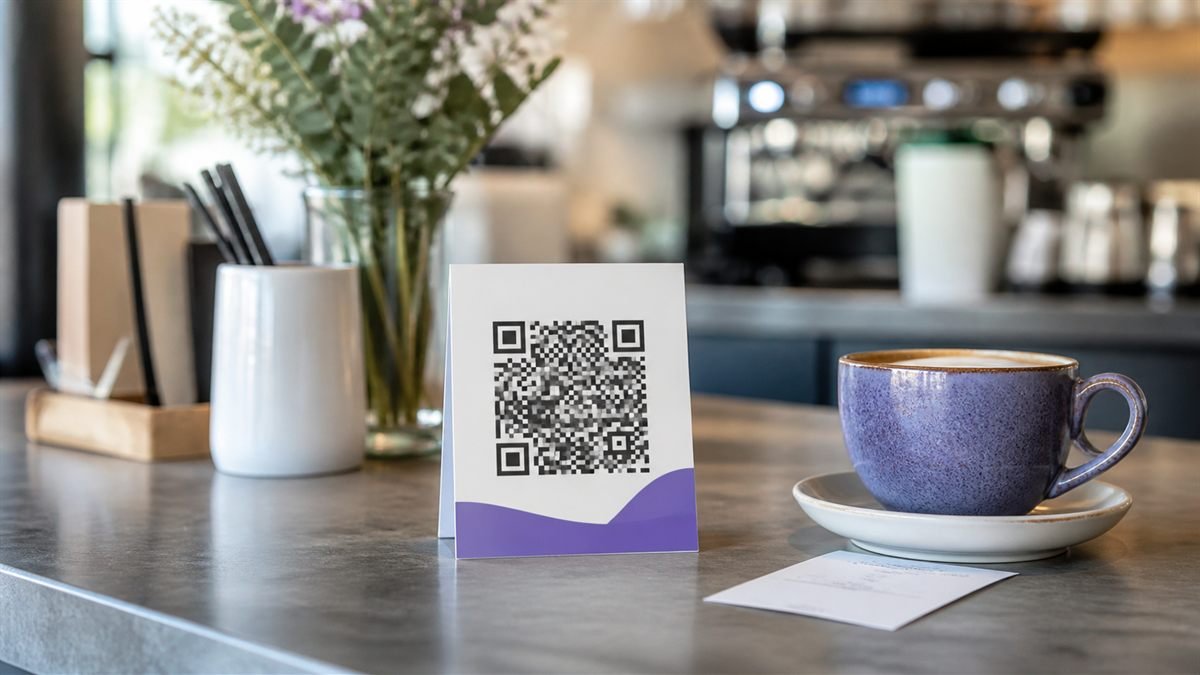
People are more likely to share useful feedback when the request is specific, brief and respectful. The QR code is only the doorway; the form and follow-up create trust.
Ask at the right moment
Place the invitation where the experience has just ended: on a receipt, checkout counter or follow-up card. Say how long it takes and what the feedback will improve. Avoid interrupting customers before they have received the service.
Set it up step by step
- Choose one learning goal, such as delivery clarity or waiting time.
- Build a mobile form with three to five focused questions.
- Allow comments without making a long written answer mandatory.
- Generate and label the code with an honest time estimate.
- Review responses on a regular schedule and record what changed.
Make the experience comfortable for people
Do not collect names, phone numbers or email addresses unless there is a clear reason. If you offer a prize, explain the terms and keep marketing consent separate from the feedback itself.
Common mistakes to avoid
- Sending every visitor to a long general survey.
- Using “Scan me” without explaining the benefit.
- Making only positive answers easy to select.
- Collecting feedback that nobody is responsible for reading.
Know the limitation
A QR survey mainly reaches people who notice the sign and are willing to scan, so it is not a perfect sample of every customer. Treat results as useful signals, not a complete verdict.
A calm final check
- Complete the form yourself on mobile data.
- Confirm a screen reader can identify each field.
- Publish a privacy note.
- Decide who owns follow-up before placing the code.
Final thought
The humble approach is to ask only what you are ready to hear and use. A shorter survey with visible follow-through is more valuable than a large collection of ignored answers.
A practical scenario
A cafe tests its one-minute feedback form immediately after collection. This small trial keeps the promise beside the code aligned with what appears after scanning.
What can go wrong, and how to recover
Likely problem: The survey gathers contact details it does not need.
Practical recovery: Remove unnecessary fields, explain the purpose and assign someone to review responses.
Record a real test before publishing
Test completion time, keyboard access, privacy notice and staff follow-up ownership. Write down the device, conditions, result and correction instead of relying on memory. Retest the final exported or printed version after every meaningful design or destination change.
Questions people often ask
How often should this QR code be reviewed?
Review it after every destination change and on a recurring schedule while it remains public. Payments, events and safety information deserve more frequent checks.
What if scanning is not possible?
Provide a readable URL, phone number, printed instruction or staff-assisted route that delivers the same essential outcome. A QR code should make access easier, not become the only route.