QR Codes for Creators: Connect Printed Work to Your Portfolio
Guide viewers from artwork, packaging or a printed portfolio to the right online project without distracting from the work itself.
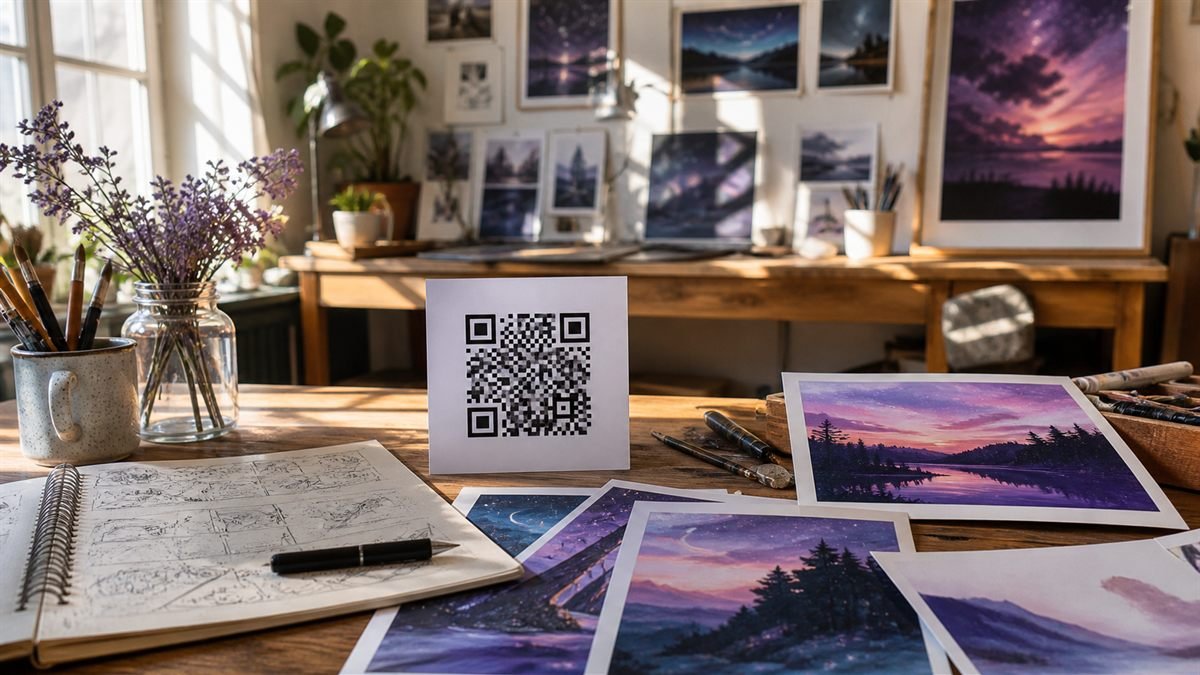
For a creator, a QR code can add a second layer to physical work: process notes, motion, sound or a gentle invitation to enquire. It should support the piece, not compete with it.
Link to the next natural question
Someone viewing a print may want the project story, available sizes or the artist’s contact details. Send them to the most relevant page instead of a crowded homepage with no obvious next step.
Set it up step by step
- Choose one destination for the specific collection or project.
- Write a short mobile introduction in the same voice as your work.
- Generate a simple code with enough quiet space.
- Add a descriptive label such as “See the making process.”
- Test beside the actual artwork under exhibition lighting.
Make the experience comfortable for people
Include captions or a transcript for audio and video. Offer a readable URL for visitors who cannot scan, and avoid tracking individual visitors without clear notice and consent.
Common mistakes to avoid
- Linking every piece to the same social profile.
- Putting a large code directly over the artwork.
- Using a temporary portfolio preview URL.
- Forgetting that gallery lighting can create glare.
Know the limitation
A code cannot rescue a slow or unfinished portfolio. The destination still needs clear navigation, current contact details and images that are reasonably compressed for mobile visitors.
A calm final check
- Open the page on mobile data.
- Check captions and image descriptions.
- Confirm enquiry messages reach you.
- Review the destination before every exhibition.
Final thought
The best creator QR code feels like a thoughtful footnote. It rewards curiosity, respects the work and gives interested viewers a comfortable next step.
A practical scenario
A creator asks a new visitor to find one featured project from the scanned portfolio. This small trial keeps the promise beside the code aligned with what appears after scanning.
What can go wrong, and how to recover
Likely problem: Large media makes the first mobile load slow.
Practical recovery: Compress previews, lead with selected work and keep a readable handle or URL on the card.
Record a real test before publishing
Test mobile data, logged-out access, media speed, contact route and portfolio ownership. Write down the device, conditions, result and correction instead of relying on memory. Retest the final exported or printed version after every meaningful design or destination change.
Questions people often ask
How often should this QR code be reviewed?
Review it after every destination change and on a recurring schedule while it remains public. Payments, events and safety information deserve more frequent checks.
What if scanning is not possible?
Provide a readable URL, phone number, printed instruction or staff-assisted route that delivers the same essential outcome. A QR code should make access easier, not become the only route.