QR Codes for Inventory and Asset Labels: A Practical Start
Connect equipment and stock labels to useful records without turning a simple inventory project into a complicated system.
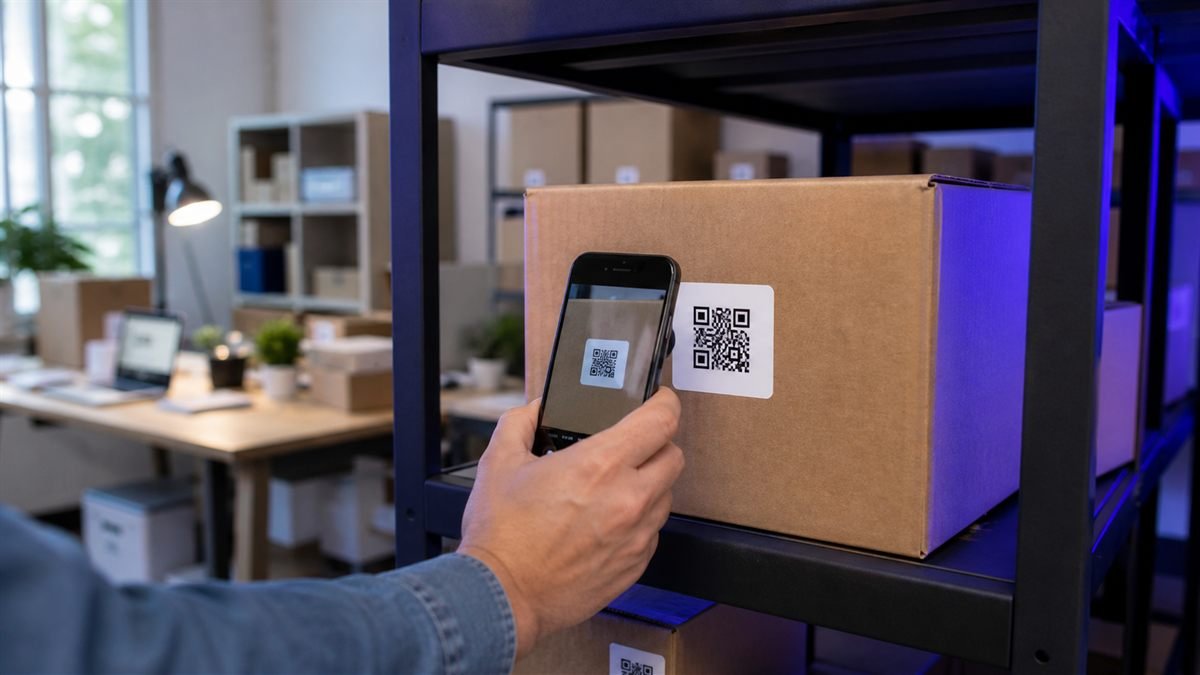
A QR label can help a small team find the right record quickly. Start with a narrow use case and reliable naming before buying labels for every object in the building.
Decide what a scan should reveal
For shared equipment, a scan might open the item name, location, manual and fault-report form. Keep internal purchasing data or personal details behind appropriate access controls rather than placing them directly in the QR pattern.
Set it up step by step
- Create a consistent asset ID format that people can also read.
- Build one mobile record page and test it with actual staff.
- Generate a QR that points to the stable record address.
- Print the ID as text beside the code.
- Run a small pilot before labelling the full inventory.
Make the experience comfortable for people
Place labels where a person can reach and scan safely. Never require someone to stand near moving machinery or climb to reach a code. Provide a typed lookup option for damaged labels.
Common mistakes to avoid
- Encoding a full record that becomes outdated.
- Using sequential public URLs that expose private inventory.
- Choosing paper labels for wet or high-friction surfaces.
- Failing to record who can update an item.
Know the limitation
A QR code does not track an asset by itself. Location history, permissions and audit records require a suitable inventory system and consistent staff processes.
A calm final check
- Test label adhesion on the real surface.
- Scan after abrasion and cleaning.
- Confirm access rules outside the office network.
- Keep a replacement-label procedure.
Final thought
Reliable asset labelling is more about tidy records and ownership than fancy code design. Begin small, learn from the environment and expand only when the process feels dependable.
A practical scenario
A studio pilots labels on ten shared tools before expanding to the whole stockroom. This small trial keeps the promise beside the code aligned with what appears after scanning.
What can go wrong, and how to recover
Likely problem: A public sequential URL exposes internal records.
Practical recovery: Require appropriate access, print a human-readable asset ID and test label durability.
Record a real test before publishing
Test permissions, abrasion, cleaning, network access and manual lookup. Write down the device, conditions, result and correction instead of relying on memory. Retest the final exported or printed version after every meaningful design or destination change.
Questions people often ask
How often should this QR code be reviewed?
Review it after every destination change and on a recurring schedule while it remains public. Payments, events and safety information deserve more frequent checks.
What if scanning is not possible?
Provide a readable URL, phone number, printed instruction or staff-assisted route that delivers the same essential outcome. A QR code should make access easier, not become the only route.